26
Playing the Pads
1
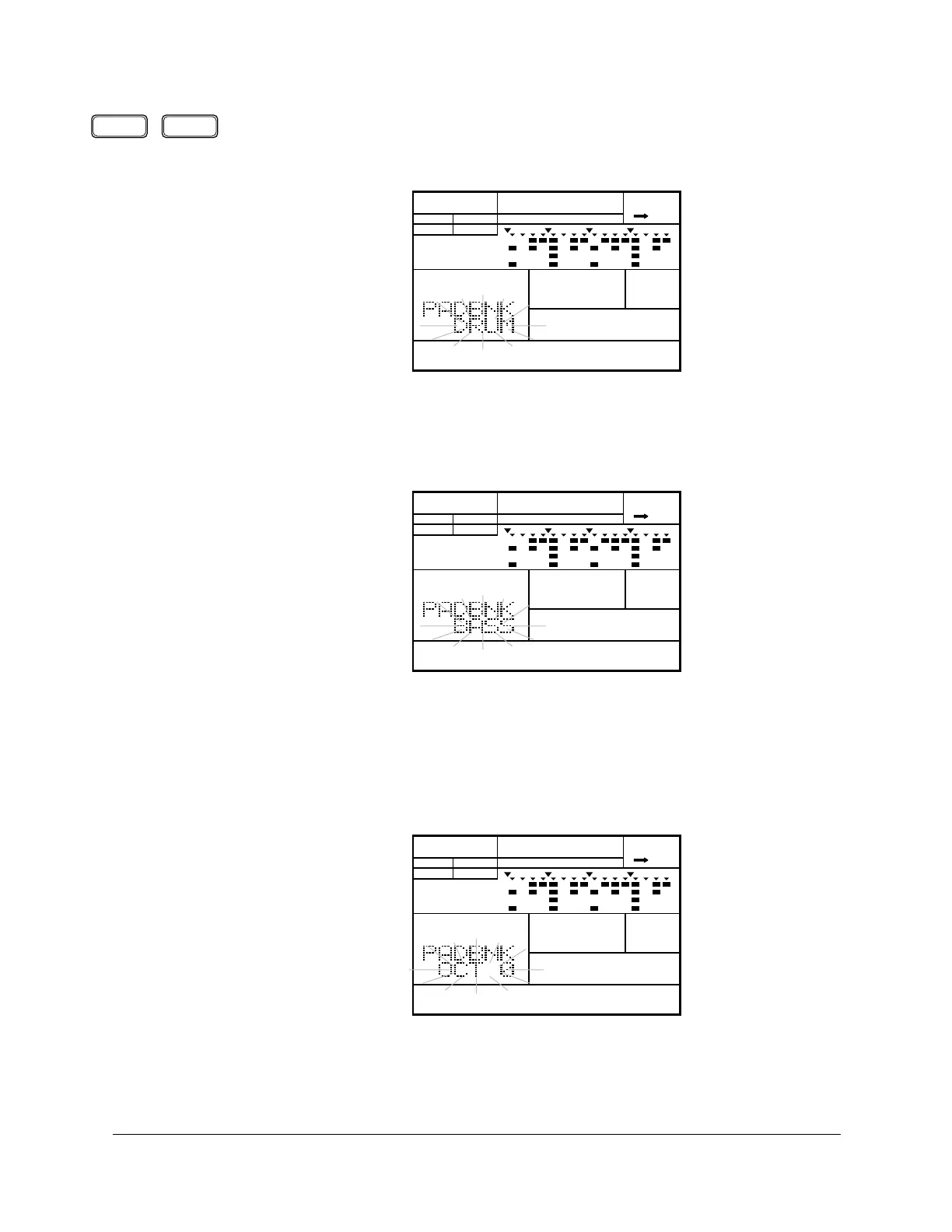
With the unit in Pad Bank Mode, press the [PAGE+] button to access the
Type display page. This function allows you to switch between drum
voices and bass voices.
2
Change the type from “DRUM” to “BASS” by rotating the Jog Dial or by
using the [ +1 ] and [ –1 ] buttons. Notice the Pad Bank indicator is now set
to “BASS”.
3
To return to Pad Bank Mode, press the [PAGE–] button. The display shows
the current octave range.
When the RY20 is in bass mode, the five pad banks become five octave
ranges from “OCT-2” to “OCT+2”.
PAGE – PAGE +
PATTERN
A CHASE
MAIN A
PAD BANK
OTHERS
HH
SD
BD
PATTERN
BASS CHASE
MAIN A
PAD BANK
OTHERS
HH
SD
BD
PATTERN
BASS CHASE
MAIN A
PAD BANK
OTHERS
HH
SD
BD












 To Next Page