30
Recording a User Pattern
4
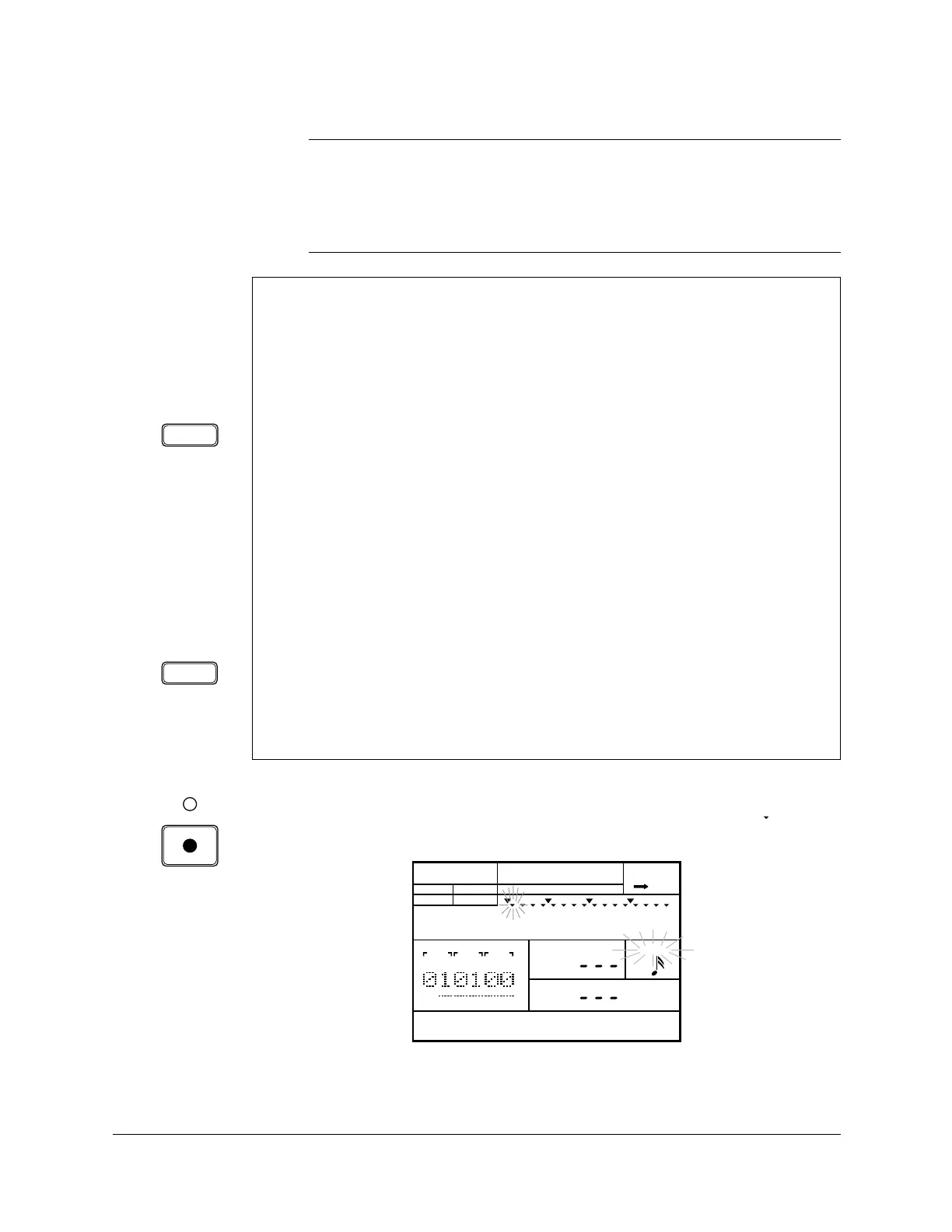
Start recording by pressing the [RECORD] button. The red Record LED
lights, and the “QUANTIZE” indicator and the current position “ ”
indicator both flash.
HINT
You can select another section while you are recording. This allows you, for
example, to record the intro of a pattern and then work on the verse/chorus section.
You can also change both the Drum Kit and the current Pad Bank as you record
your pattern.
After you select a pattern, you should find and select a suitable Drum
Kit. The Drum Kit should contain the drum and percussion voices
you want to use to create your pattern.
Selecting a Drum Kit
Place the unit in Drum Kit Mode by pressing the [DRUM KIT] button. The
“DRUM KIT” indicator flashes. Select another drum kit by rotating the Jog
Dial or by using the [ +1 ] and [ –1 ] buttons.
If a suitable kit cannot be found, you should create one with one of the
user drum kits. See page 83 for instructions.
Selecting a Pad Bank
Place the unit in Pad Bank Mode by pressing the [PAD BANK] button.
Select another pad bank by rotating the Jog Dial or by using the [ +1 ] and
[ –1 ] buttons.
These two steps are entirely optional.
DRUM KIT
PAD BANK
PATTERN
INTRO
A CHASE
MEAS
BEAT
CLOCK
LEVEL
QUANTIZE
PAD
PAD BANK
OTHERS
HH
SD
BD












 To Next Page