42
Recording a User Pattern
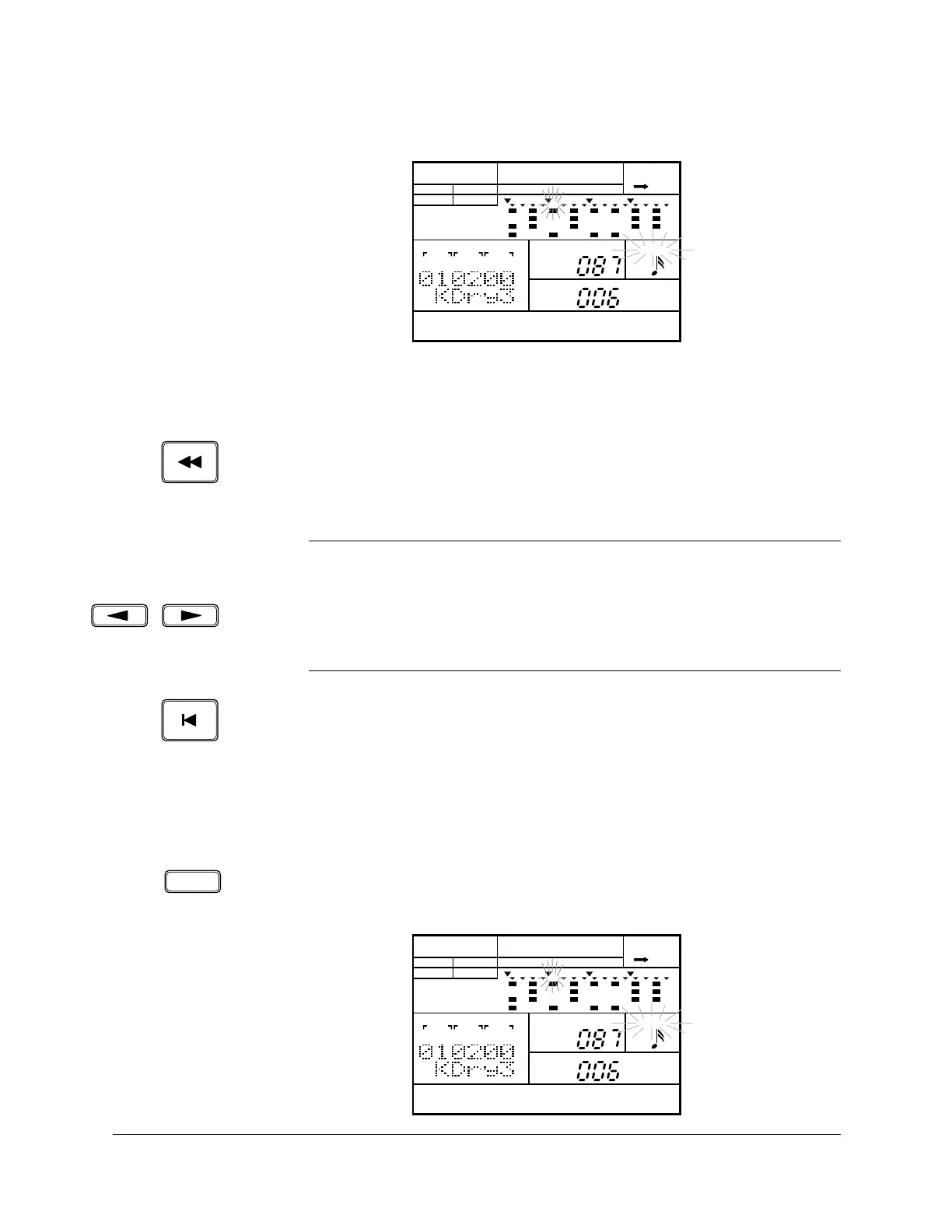
If an instrument event has been recorded, the display is updated as
follows:
If there is more than one note recorded at a position, the RY20 steps
through each event, in the recorded order, as you press the [FORWARD]
button.
Use the [BACKWARD] button to go back to a previous note. It functions in a
similar fashion to the [FORWARD] button.
Use the [ TOP ] button to return to the beginning of the pattern.
Deleting Voices
A single note can be deleted from your pattern.
Use the [FORWARD] and [BACKWARD] buttons to move the position pointer to
the event you want to delete. Press and hold the DELETE [CLEAR] button.
The “DEL” indicator lights up.
NOTE
Instead of the
[FORWARD] or [BACKWARD] buttons, you can use the Jog Dial or the
[ +1 ] and [ –1 ] buttons to easily change the current location.
Use the [ < ] or [ > ] cursor buttons to change the focus to the “MEAS|BEAT|CLOCK”
indicators. Select another location within the pattern by rotating the Jog Dial or
pressing the
[ +1 ] and [ –1 ] buttons.
PATTERN
A CHASE
MEAS
BEAT
CLOCK
LEVEL
QUANTIZE
PAD
MAIN A
PAD BANK
OTHERS
HH
SD
BD
CLEARDELETE
PATTERN
DEL A CHASE
MEAS
BEAT
CLOCK
LEVEL
QUANTIZE
PAD
MAIN A
PAD BANK
OTHERS
HH
SD
BD












 To Next Page