23
Basics SectionQuick GuideReferenceAppendix
Factory Set (Restore Factory Defaults)
Factory Set (Restore Factory Defaults)
This lets you restore the synthesizer’s default Internal Voices (User Memory) and Multis, as well as its System and
other settings.
Once you edit any settings, the corresponding factory defaults will be overwritten and lost.
Use the procedure below to restore the factory default settings.
When you restore the factory default settings, all the current settings for the all the Multis and User Voices will be overwritten
with the factory defaults. Make sure you are not overwriting any important data. You should back up any important data to
Memory Card or to your computer beforehand.
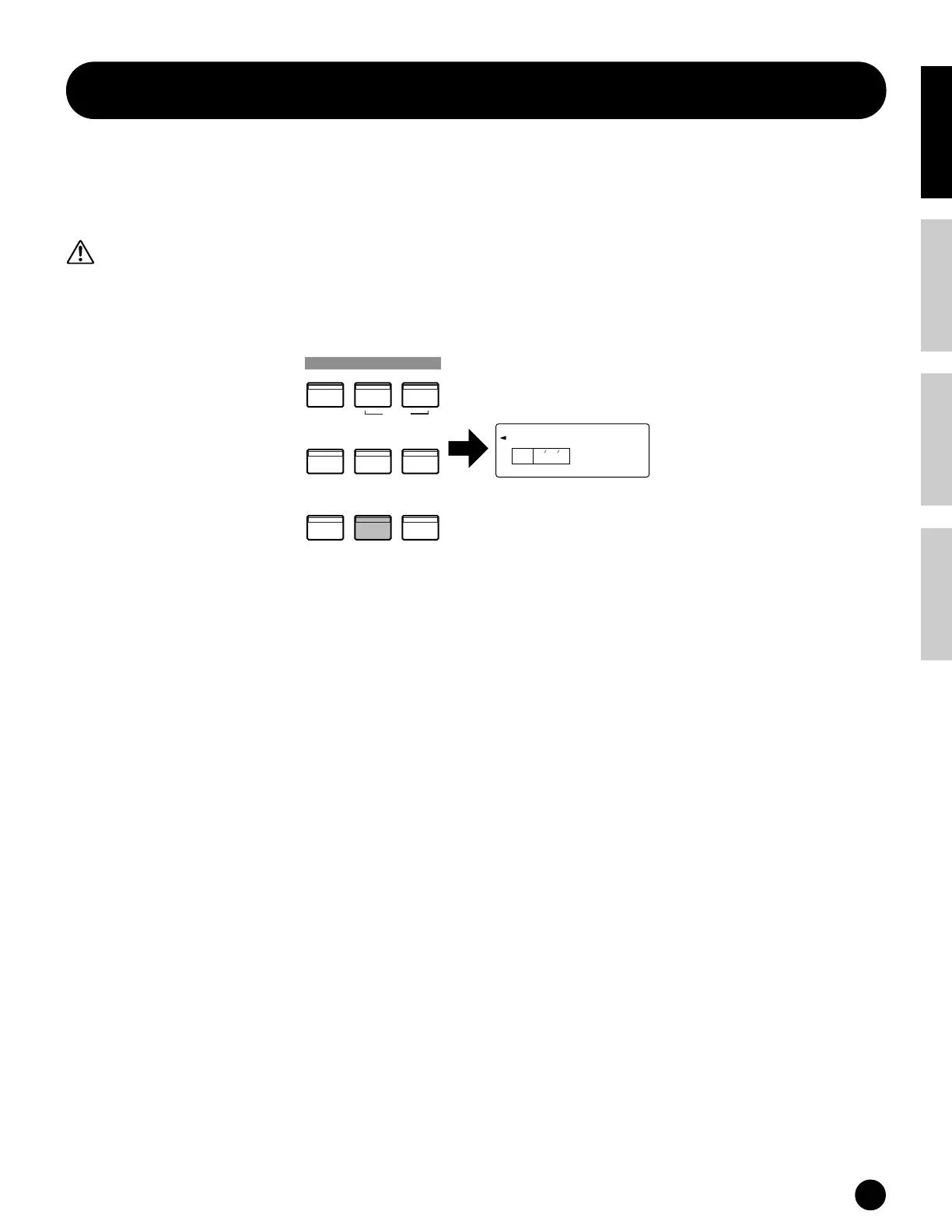
1 Press the [JOB] button in Utility Mode (page 24). The Factory Set display appears.
2 Press the [ENTER] button. A confirmation message appears.
n To cancel the job, press the [DEC/NO] button.
3 Press the [INC/YES] button to execute the Factory Set job. After the job has been completed, a “Completed!”
message appears.
4 Press the [EXIT] button to return to the Utility mode.
FactorySet
KEYELEMPA RT
PAG E
1
DEMO
UTILITY CONTROLLER CARD
EDIT
JOB
STORE
PLAY/STOP
COMPARE
VOICE
MULTI SEQ PLAY
MODE
FactorySet
KEYELEMPA RT
PAG E
1
DEMO
UTILITY CONTROLLER CARD
EDIT
JOB
STORE
PLAY/STOP
COMPARE
VOICE
MULTI SEQ PLAY
MODE


 To Next Page