45
Basics SectionQuick GuideReferenceAppendix
Voice Edit
● LFO (Low Frequency Oscillator)
In PAGES 32 to 35, you can edit the LFO, which (as
its name suggests) produces waveforms of a low
frequency. These waveforms can be used to vary
the pitch, filter or amplitude of each Element to
create effects such as vibrato, wah and tremolo.
However, the actual available LFO parameters will
vary according to the type of Element.
The LFO is capable of producing a wide variety of
effects in various ways. By modulating the pitch
over an adjustable amount, it creates vibrato. By
modulating the filter over an adjustable range of
frequencies, it creates wah-wah and dynamic filter
sweep effects. By modulating the volume (or
“amplitude”) of the sound over an adjustable depth,
it creates tremolo.
5
Set the Effect Parameters
For an application example showing how to use the
effect, see page 46.
6 Storing Edited Voices
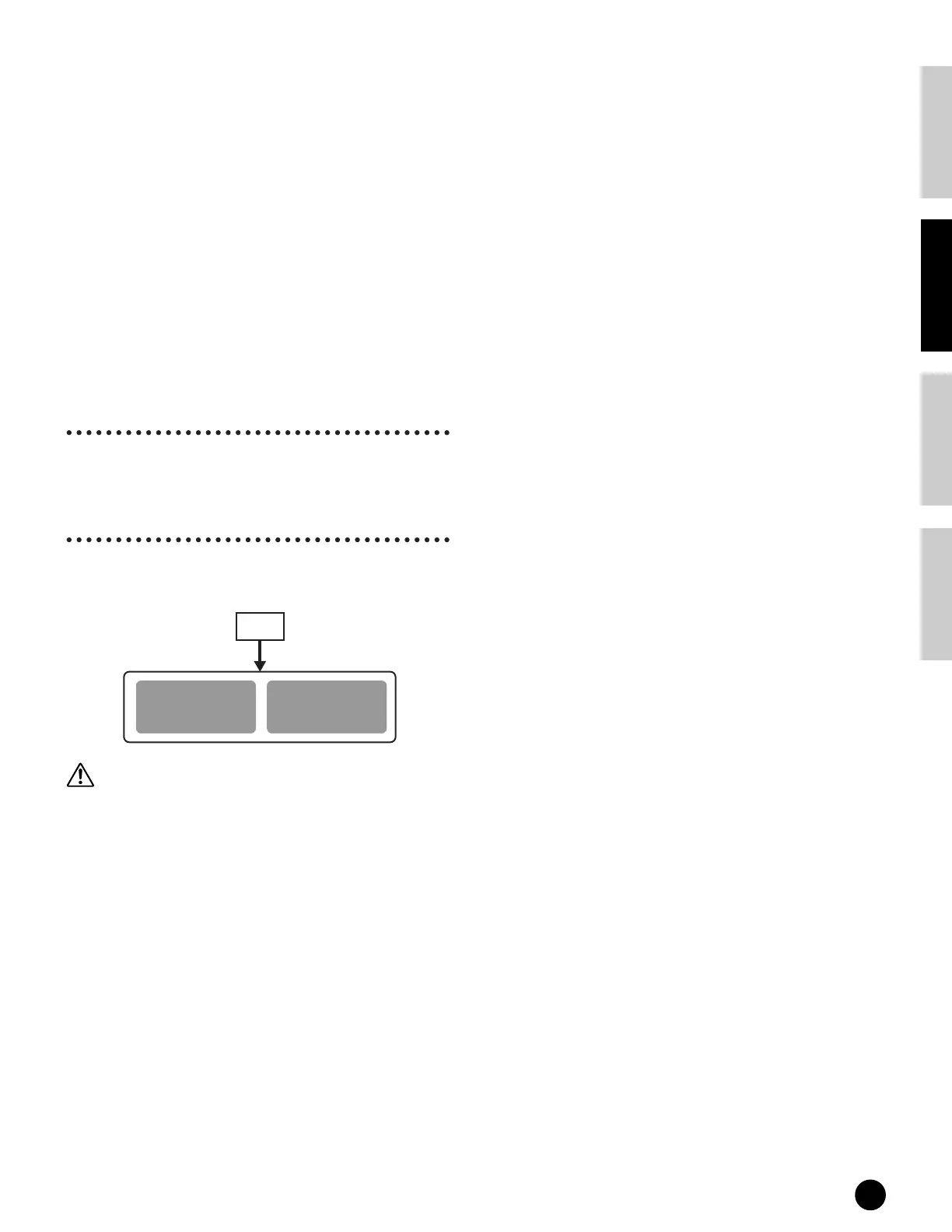
Up to 128 new/edited Normal Voices and 2 new/edited
Drum Voices can be stored to internal user memory.
When storing a Voice, any existing data at the storage
location will be lost. You should always back up
important data to computer or some other storage
medium beforehand.
n For details about storing Voices, see page 50.
Normal Voice
USER (US)
1~128
Drum Voice
USER DRUM (USDR)
1~2
Voice
Store


 To Next Page