33
Run “MENU”
“STERILIZE & DRY” Procedure
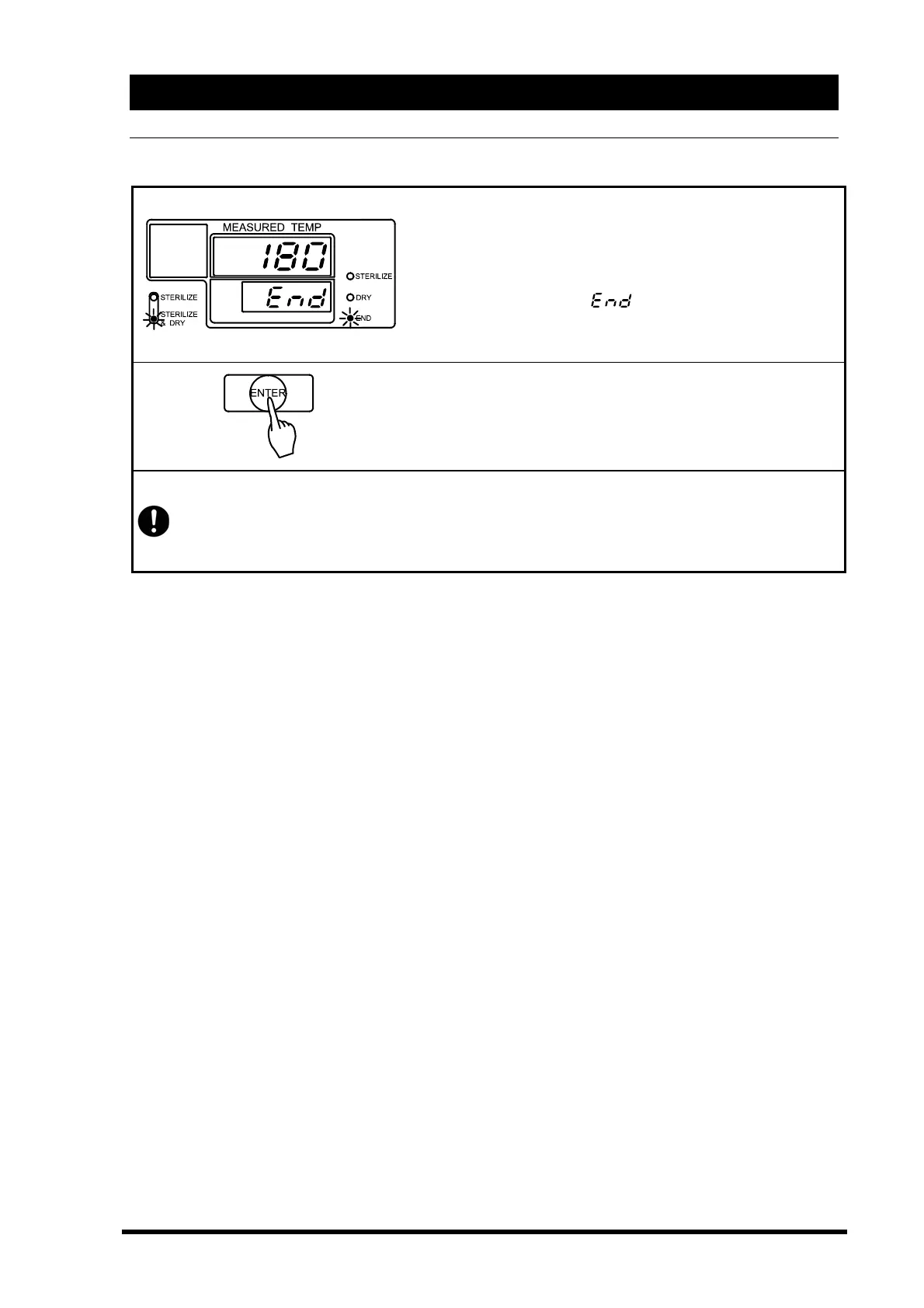
When the drying time is completed, the heater is turned off
and natural cooling starts.
→The main display shows chamber temperature.
→The sub display blinks
.
→End lamp is lit.
→Sterilize & Dry menu lamp is lit.
◇Push the “ENTER” key.
The “ENTER” key resets the cycle. You may now run another
cycle.
Drain the water bottle after “STERILIZE & DRY” process. The remaining water can cause
hot water to spout out during the next operation.
Since the bottle contains hot water after operation, wait for the water to cool before
draining it.



 To Next Page