34
Special Control Functions
View Parameter during Operation
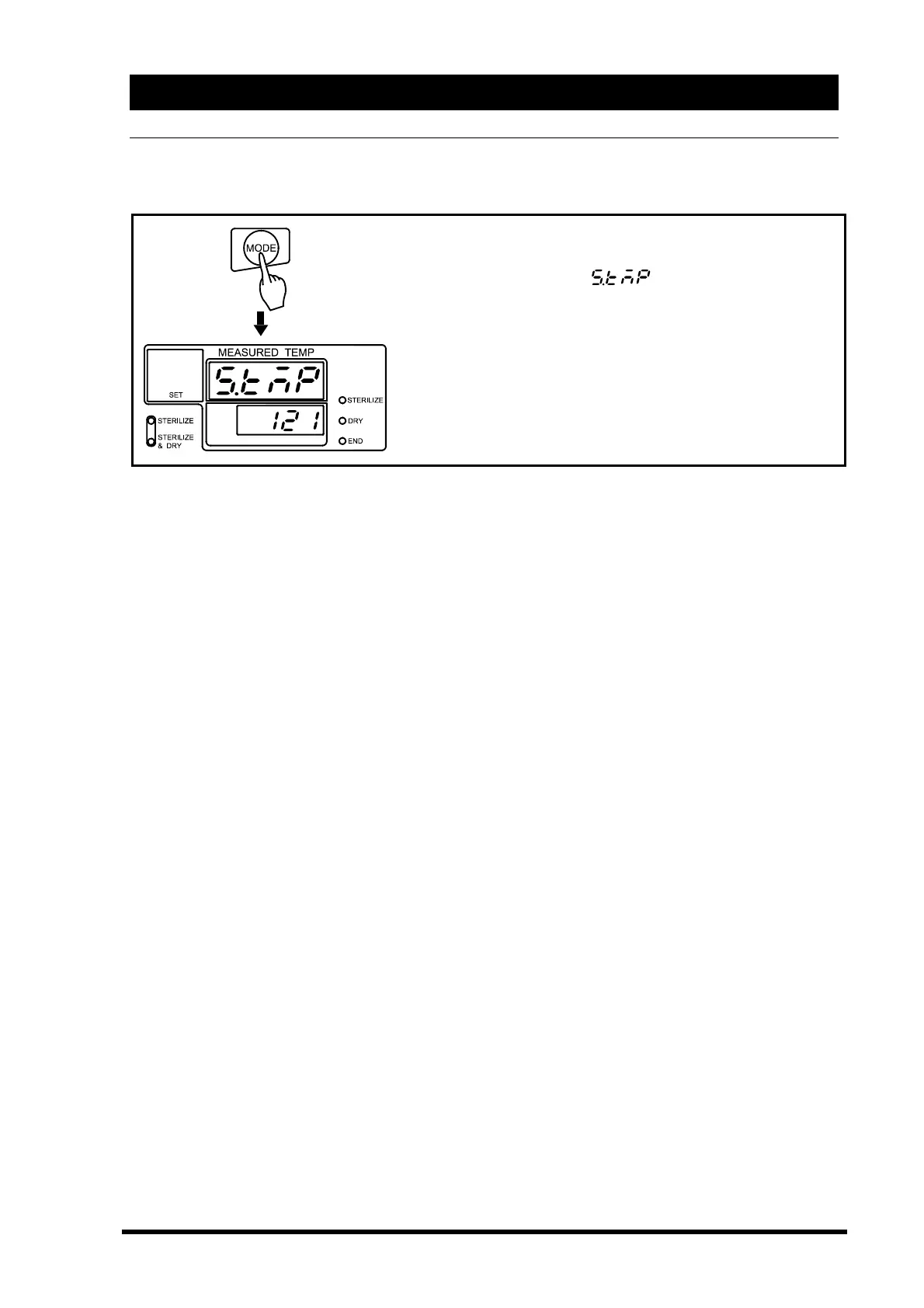
To check set temperature and time during the operation, push the “MODE” key.
Set points can only be viewed, not changed.
◇Push the “MODE” key.
→The main display blinks
(set Temp).
→The sub display shows the set temperature.
→Set lamp is lit.
To check the other set points, push ▽△key to flash the
indication you desire in the main display and view the set
points in the sub display.
To end the function, push the “MODE” key. The display
returns to the original state.



 To Next Page