User Guide for SIP-T58V/A Smart Media Phone
128
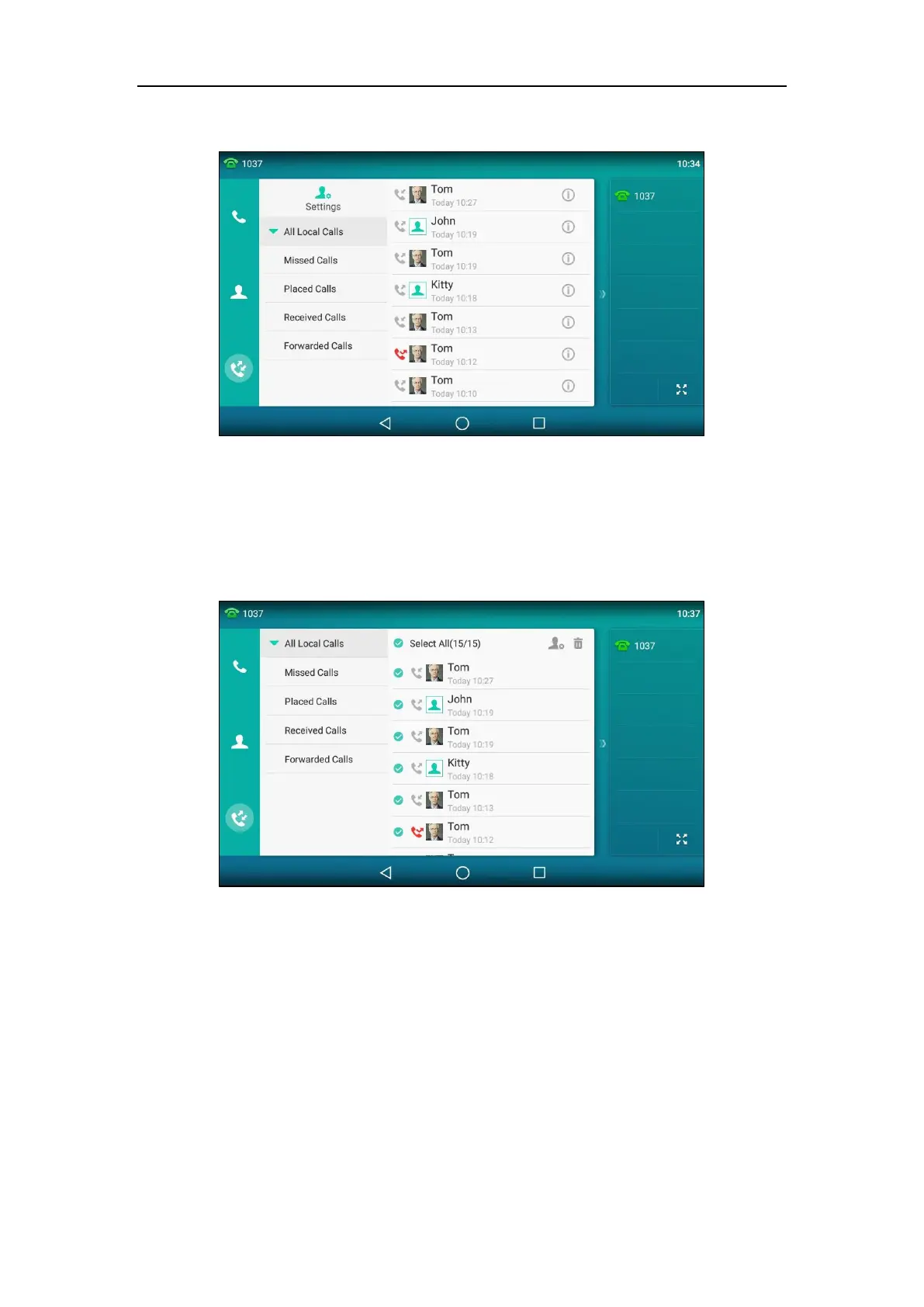
The touch screen displays all call records.
2. Drag up and down to scroll.
You can tap Missed Calls, Placed Calls, Received Calls or Forwarded Calls to view entries
in each call list directly.
3. Tap Settings.
4. Tap the Select All radio box.



 To Next Page
 Loading...












