User Guide for SIP-T58V/A Smart Media Phone
226
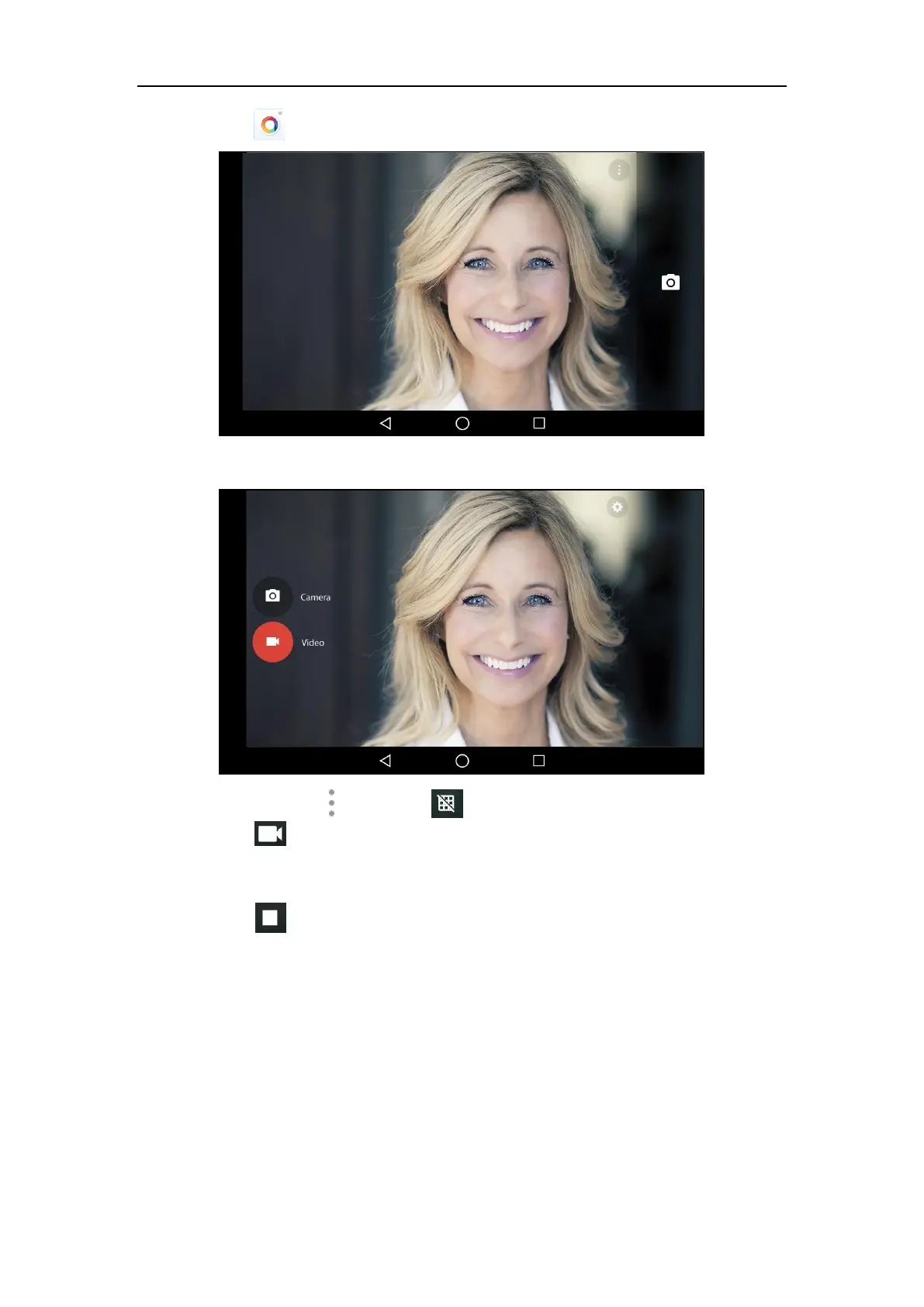
2. Tap to launch Camera application.
3. Swipe right and then tap Video.
4. (Optional.) Tap and then tap to turn on the camera grid.
5. Tap to start recording.
The IP phone will play a tone and recording time will appear on the left-top of the touch
screen.
6. Tap to stop recording.
The IP phone will play a tone. You can swipe left to view all videos taken by the camera.
Camera Settings
To configure camera settings:
1. Swipe left or right to go to the second idle screen.



 To Next Page
 Loading...












