System Applications
233
Multiple Email Accounts
You can add more than one email account on the IP phone.
To add another email account on the IP phone:
1. Swipe left or right to go to the second idle screen.
2. Tap to launch Email application.
3. Tap on the top-left of the touch screen.
4. Tap Settings->Add account.
A new email account setup wizard will show up. For more information, refer to Adding APP
Accounts on page 184.
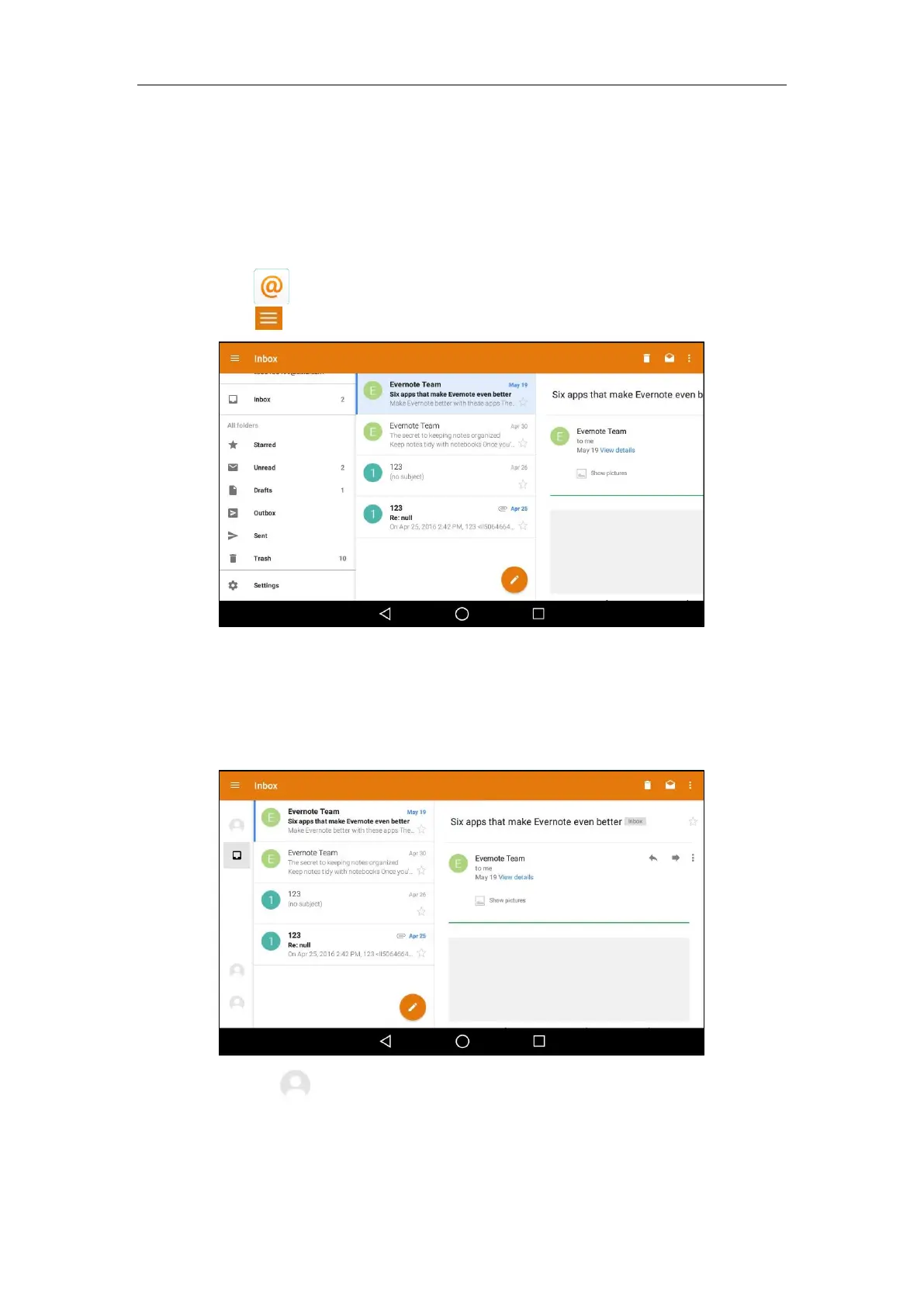
Once another email account is successfully added, the touch screen will display as below:
You can tap on the bottom-left of the touch screen to switch between the email
accounts.



 To Next Page
 Loading...












