User Guide for SIP-T58V/A Smart Media Phone
220
was created on March 3, 2016, at 09:23:10.
By default, the recorded audios are saved in the internal SD card. But if there is a USB flash drive
connected to your phone, the recorded audios will be saved according to the priority: USB flash
drive>internal SD card.
Note
Recording Audios
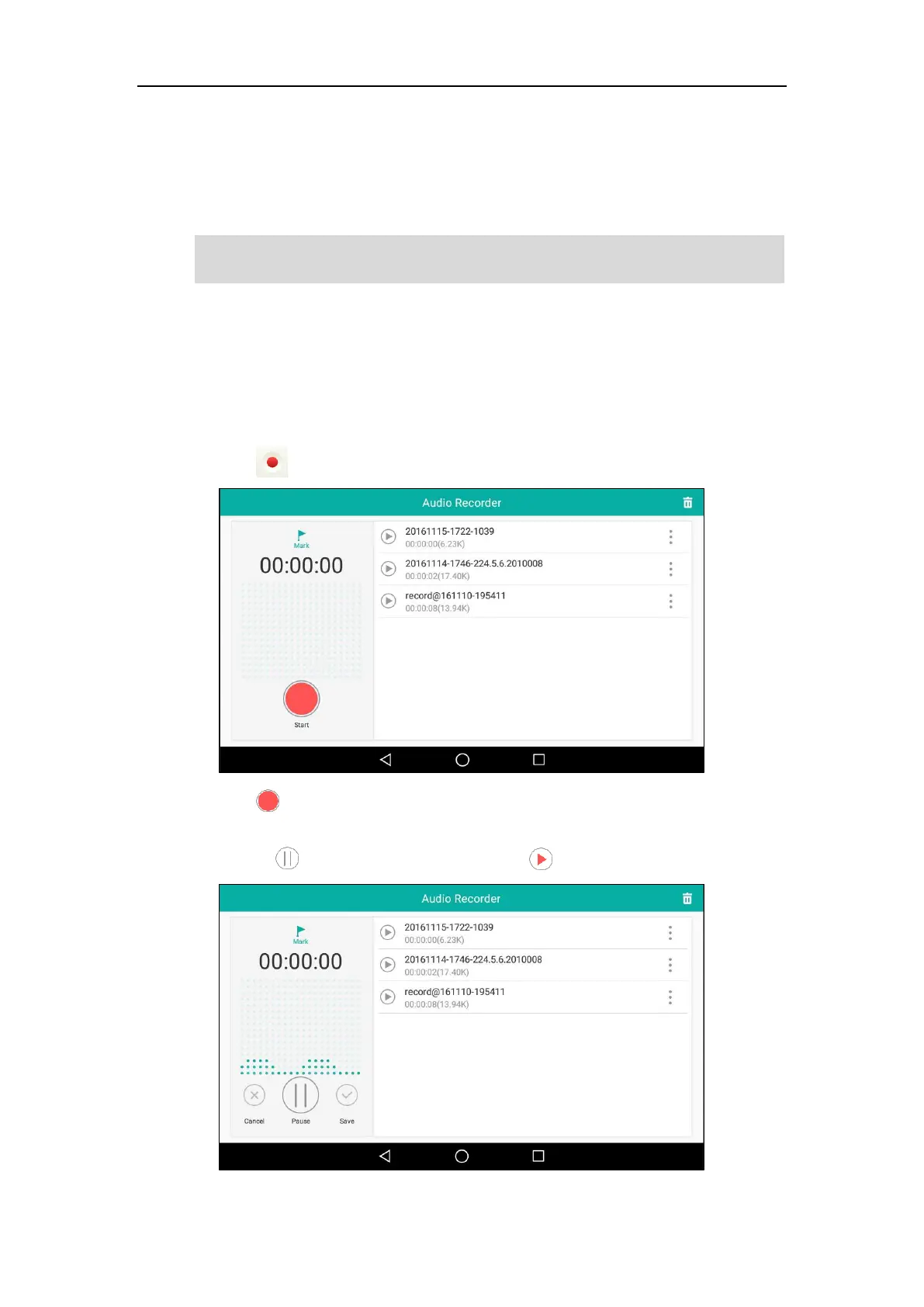
To record an audio:
1. Swipe left or right to go to the second idle screen.
2. Tap to launch Recorder application.
3. Tap to start recording.
4. You can do one of the following:
- Tap to pause the recording, and then tap to resume the recording.
The recorded audios are saved in *.amr format. You can play the recorded audios on either the
phone itself or on a computer using an application capable of playing *.amr files.



 To Next Page
 Loading...












