User Guide for SIP-T58V/A Smart Media Phone
98
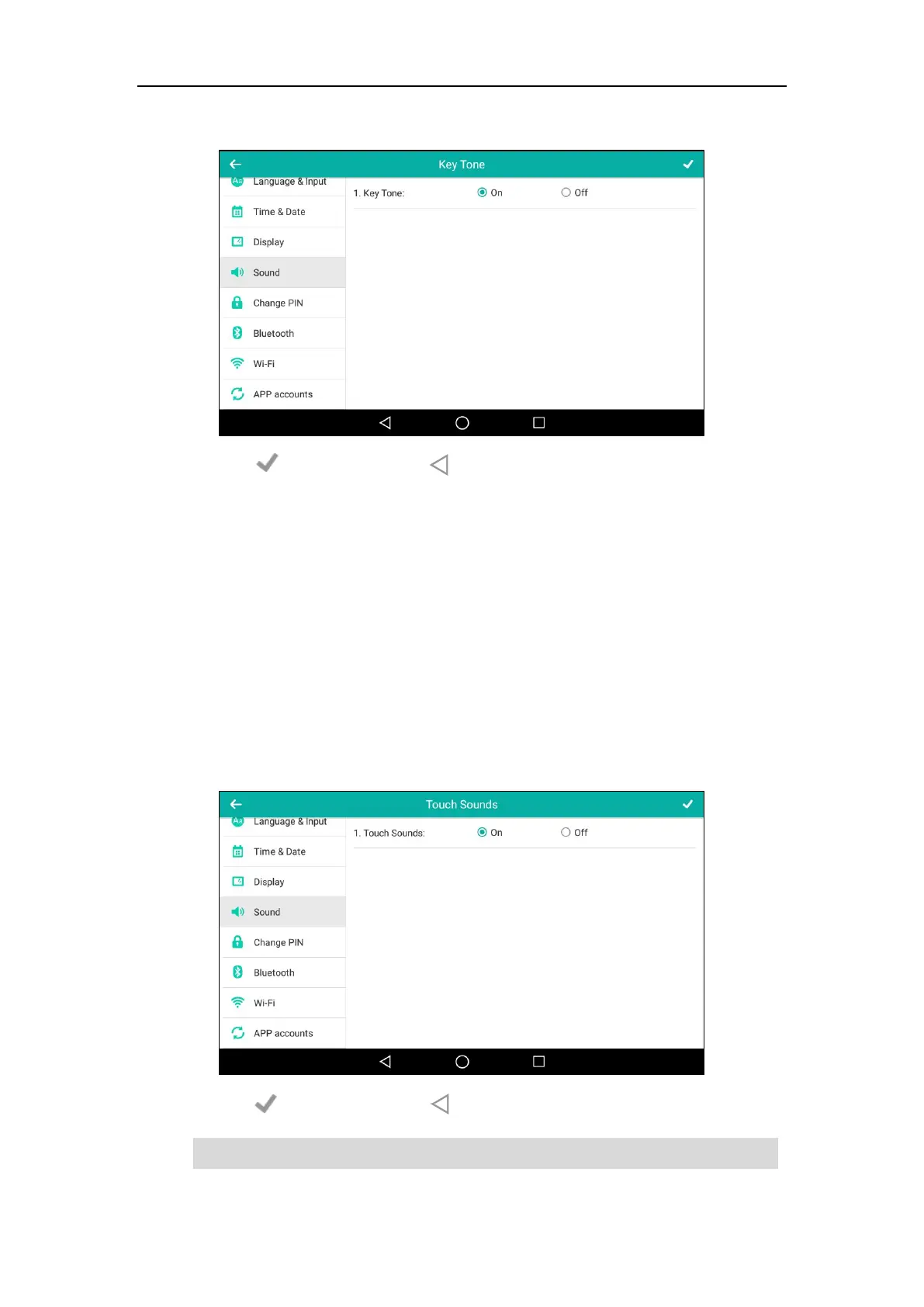
3. Tap the On radio box in the Key Tone field.
4. Tap to accept the change or to cancel.
Key tone is configurable via web user interface at the path Features->Audio.
Touch Sounds
If you enable touch sounds, the phone will produce a sound when you tap an option on the
touch screen.
To enable touch sounds via phone user interface:
1. Swipe down from the top of the screen or swipe left/right to go to the second idle screen.
2. Tap Settings->Basic->Sound->Touch Sounds.
3. Tap the On radio box in the Touch Sounds field.
4. Tap to accept the change or to cancel.
Note
Touch sound is configurable via phone user interface only.



 To Next Page
 Loading...












