System Applications
205
email.
Viewing Pictures/Videos
To view pictures/videos:
1. Swipe left or right to go to the second idle screen.
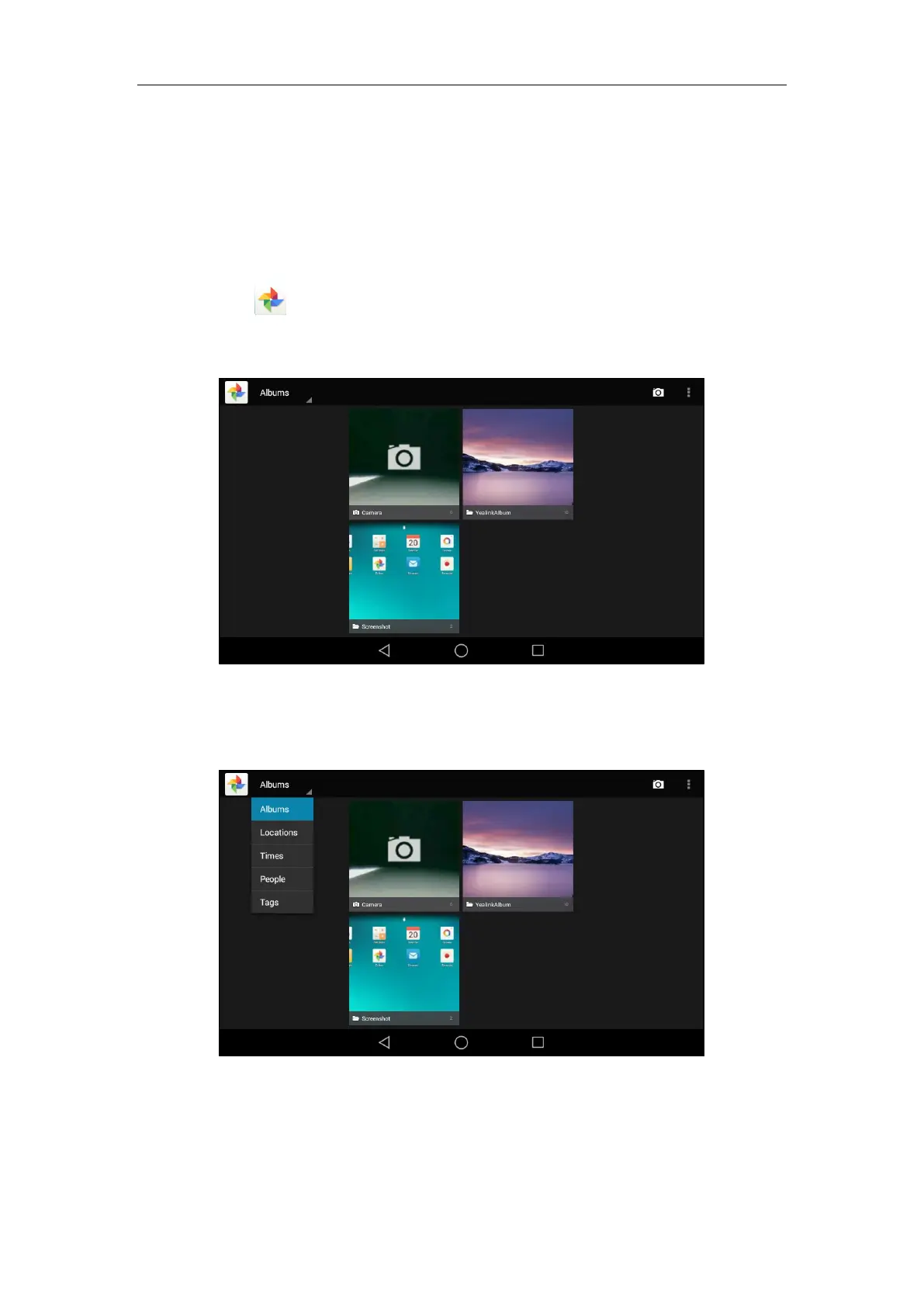
2. Tap to launch Gallery application.
By default, the pictures/videos are displayed as thumbnails in an albums arrangement
mode.
3. (Optional.) Tap Albums.
You can tap Albums/Locations/Times/People/Tags to view the pictures/videos in
different arrangement modes.
4. Swipe left/right to view all albums if required.



 To Next Page
 Loading...












