User Guide for SIP-T58V/A Smart Media Phone
194
- Press to adjust the media volume.
Note
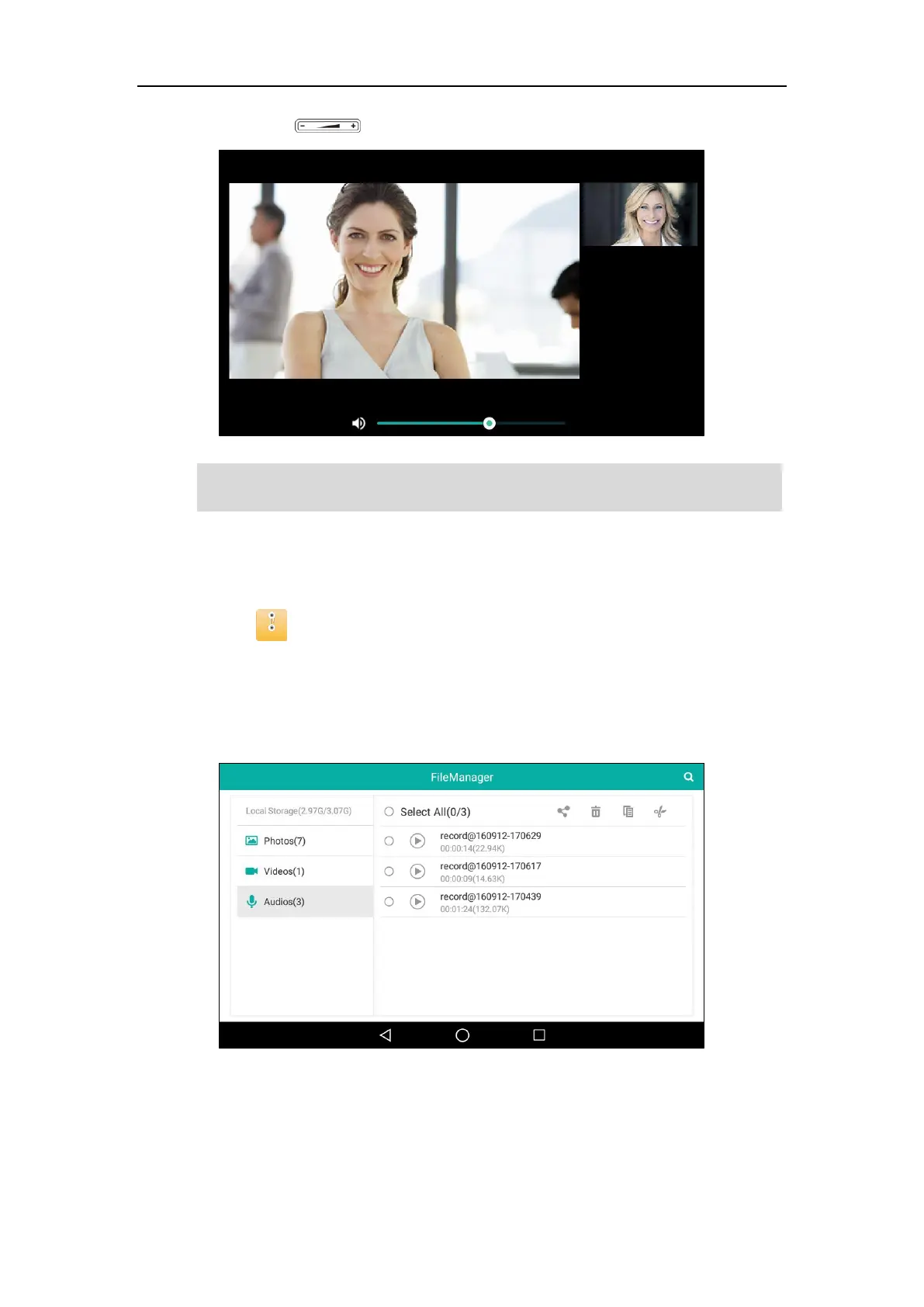
To view audios:
1. Swipe left or right to go to the second idle screen.
2. Tap to launch FileManager application.
3. Tap Audios in the Local Storage field.
If a USB flash drive has been connected to your phone, you can tap Audios in the USB
Storage field to view the audios stored in USB flash drive.
Your audios will display as a list.
The menu keys and Android keys will disappear within 5 seconds, you may tap the touch screen
to show them again.



 To Next Page
 Loading...












