User Guide for SIP-T58V/A Smart Media Phone
222
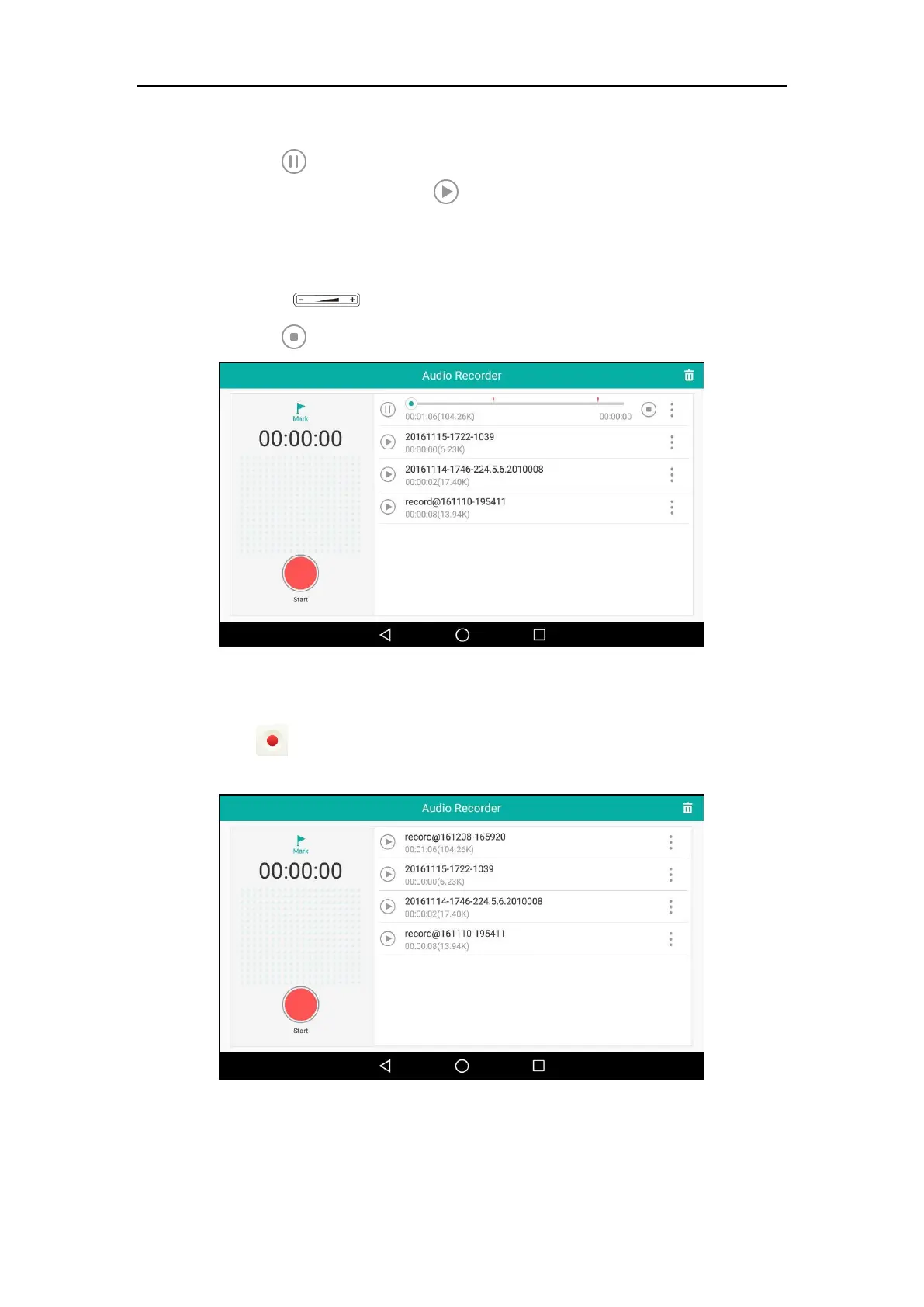
During the playing, you can do the following:
- Tap to pause the playing.
To continue the playing, tap .
- Drag the slider to skip forward the playing or rewind the playing.
- Drag the slider to the position with red flag to listen to the marked moments.
- Press to adjust the volume of the speakerphone.
- Tap to stop the playing.
To delete the recorded audio:
1. Swipe left or right to go to the second idle screen.
2. Tap to launch Recorder application.
The recorded audios will display as a list.



 To Next Page
 Loading...












