System Applications
257
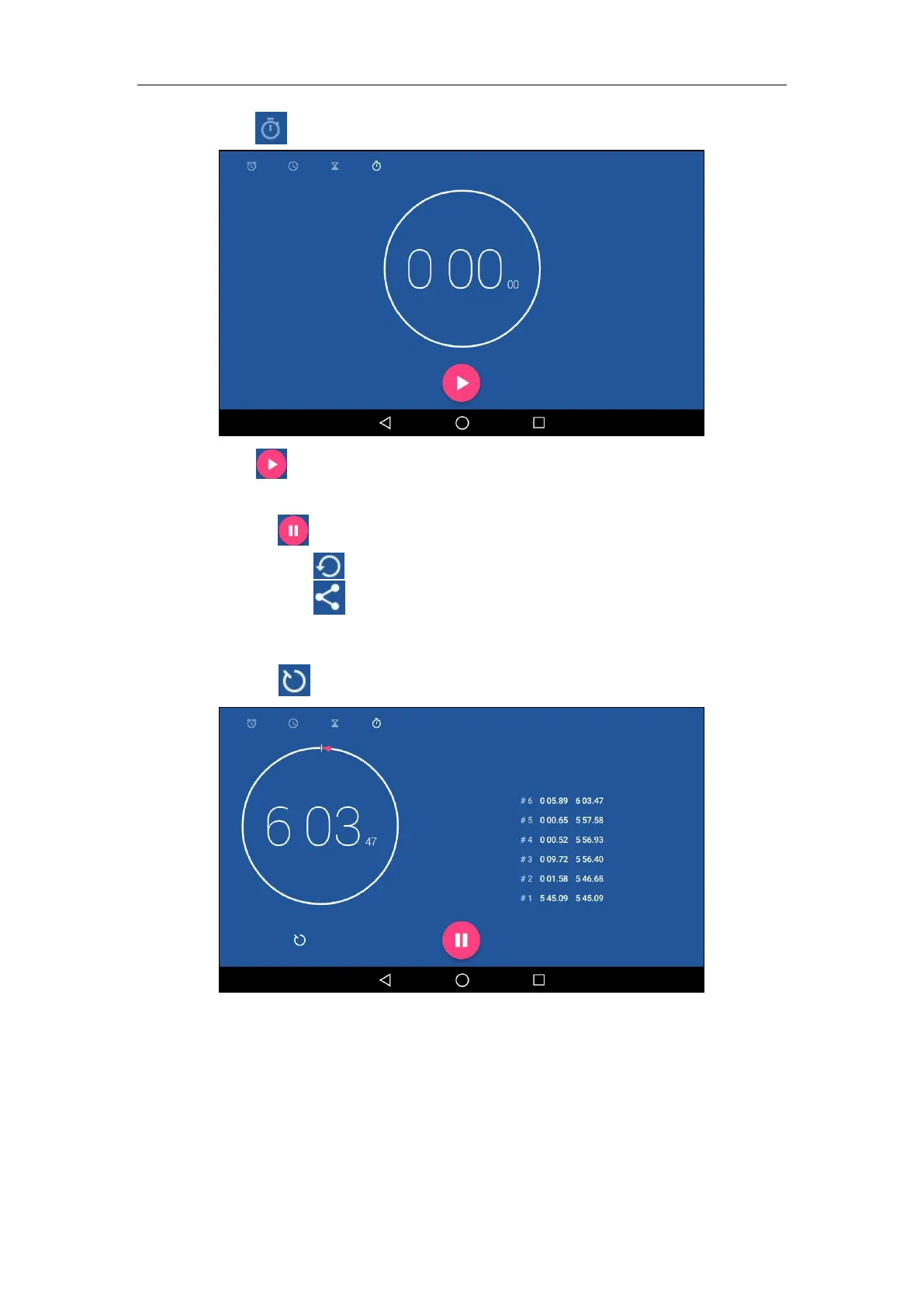
2. Tap .
3. Tap to start the stopwatch.
4. You can do the following:
- Tap to pause the stopwatch.
Tap to reset the stopwatch.
Tap and then tap Bluetooth or Email to share the record via Bluetooth or
email. For more information, refer to Sending Files via Bluetooth on page 147 and
Sending Files via Email on page 235.
- Tap to add laps while the stopwatch is running.



 To Next Page
 Loading...












