User Guide for SIP-T58V/A Smart Media Phone
52
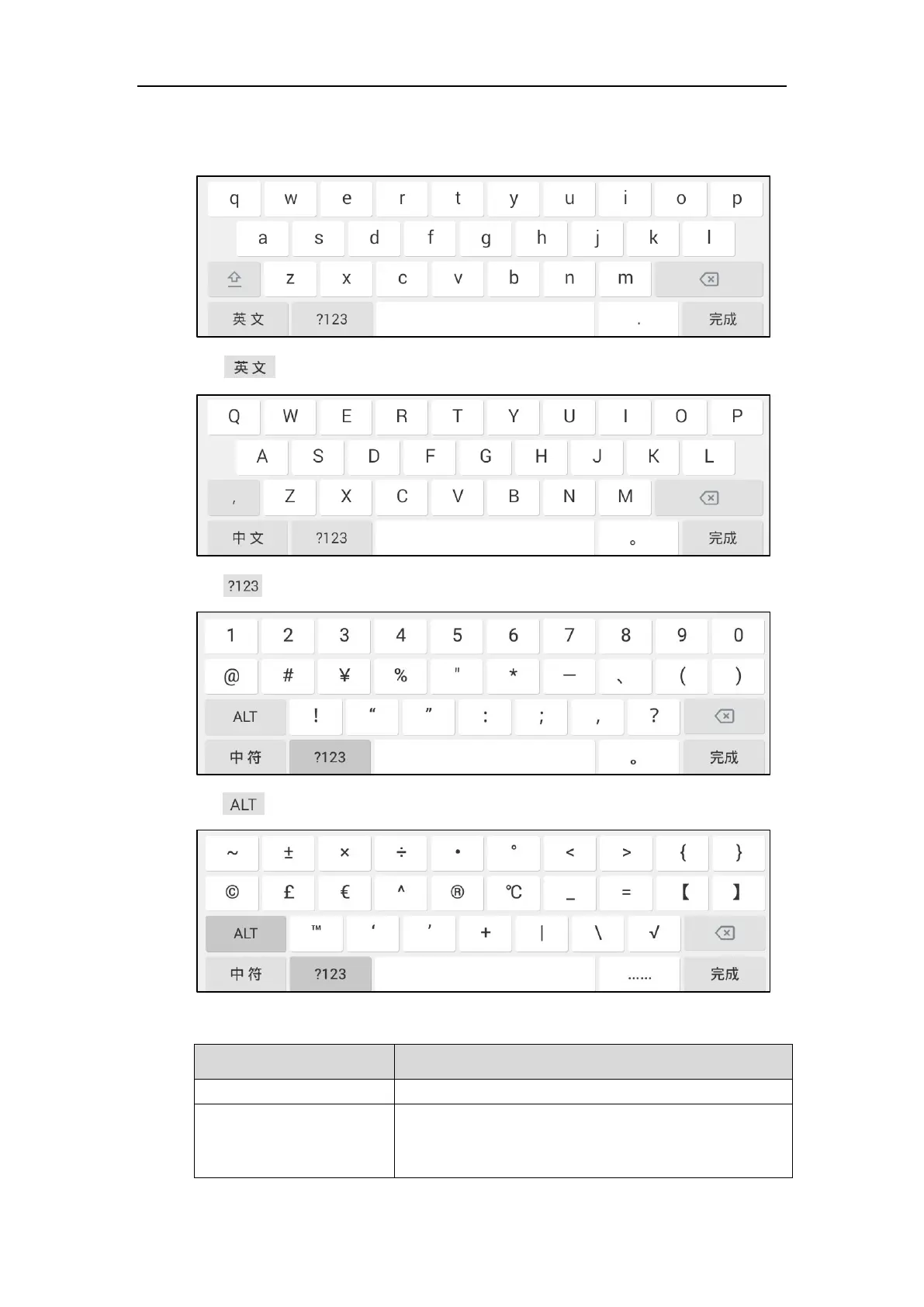
When you change the input method to Google Pinyin, the onscreen keyboard displays the
English input mode as shown below by default:
Tap to switch to the Chinese input mode as shown below:
Tap to switch to the numeric&symbolic input mode as shown below:
Tap to switch to the symbolic input mode as shown below:
The other things you need to know:
1) Long tap the entered character(s).
2) Do one of the following:
• Tap SELECT ALL on the top of the touch screen.



 To Next Page
 Loading...












