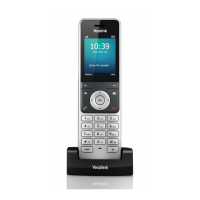
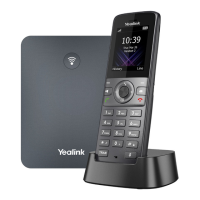
Yealink W73P | User Guide
© Gamma. All rights reserved. Confidential
Receives audio in receiver mode.
Indicates call status, message status, and charging
status.
Access the function directly. It depends on the operating
situation.
Accesses the voice mail or missed call.
- Switches among the receiver, headset, and
handsfree
- modes.
- Answers an incoming call.
- Places a call in handsfree mode.
Scroll through information or options on the screen.
Confirms actions or enters the main menu.
- Press briefly to return to the previous screen.
- Long press to return to the idle screen.
- Press to turn the handset on.



 To Next Page
 Loading...