Yealink W73P | User Guide
© Gamma. All rights reserved. Confidential.
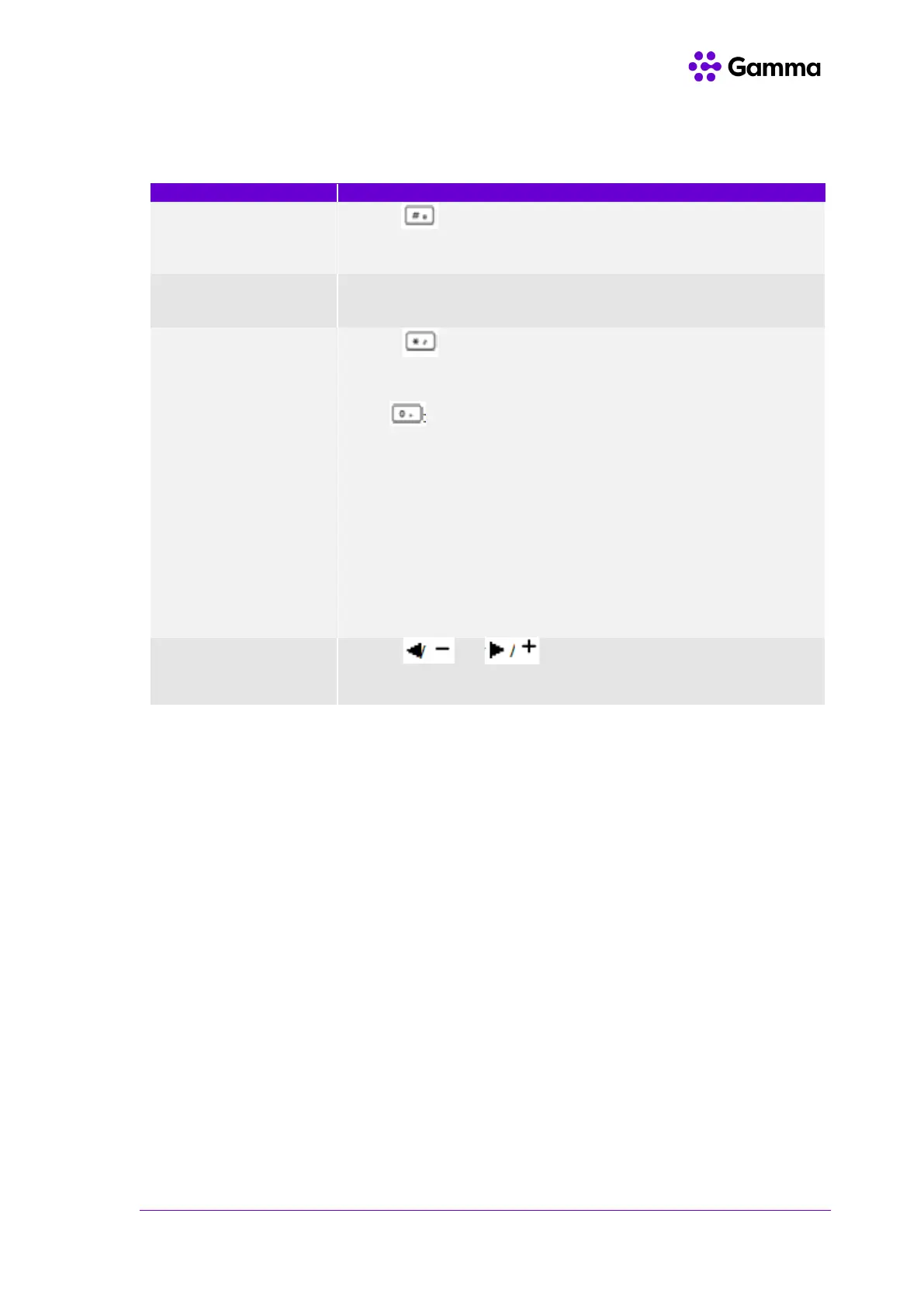
Entering data on the W73H
Press to switch among input modes.
The current input mode is displayed at the right bottom of the phone
screen.
Press a key one or more times (depending on what input mode you’re
in) to enter the possible characters that are displayed on the keypad
key.
Press to enter the space character or the following special
characters:
_’ ” = / \ ^ ; : , . - + * # § % & @ ? ! ¿ ¡ ( ) { } [ ] < > ¥ £ $ | ~ ¤
Press
- If it is in the uppercase (ABC), uppercase and lowercase
(Abc) or
- lowercase (abc) input modes, it will provide space character
and the
- following special characters: . , ? ! 0
- If it is in the numeric (123) input mode, it will only provide
the digit 0.
- Long press the key to enter the character +.
or to position the cursor to the right of the Press
text you want to delete, and then press Delete to delete one character
at a time or long press to delete all characters



 To Next Page
 Loading...