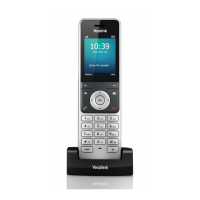
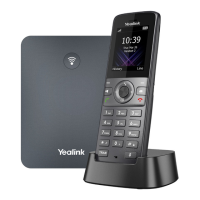
Yealink W73P | User Guide
© Gamma. All rights reserved. Confidential.
- Long press on the idle screen to turn the handset
off.
- Cancels actions or ends a call.
- Rejects an incoming call.
- Answers an incoming call.
- Enters the redial calls list.
- Places a call-in receiver or headset mode.
Provides digits, letters, and special characters.
Transfers a call to another party.
Toggles mute feature on or off.
Outputs audio in handsfree mode.
Connects a standard 3.5mm headset.
Fast flashing red (300ms)
The handset receives a voice mail or has a
missed call.
- The handset is powered off.
- The handset is idle.
- The handset is fully charged.
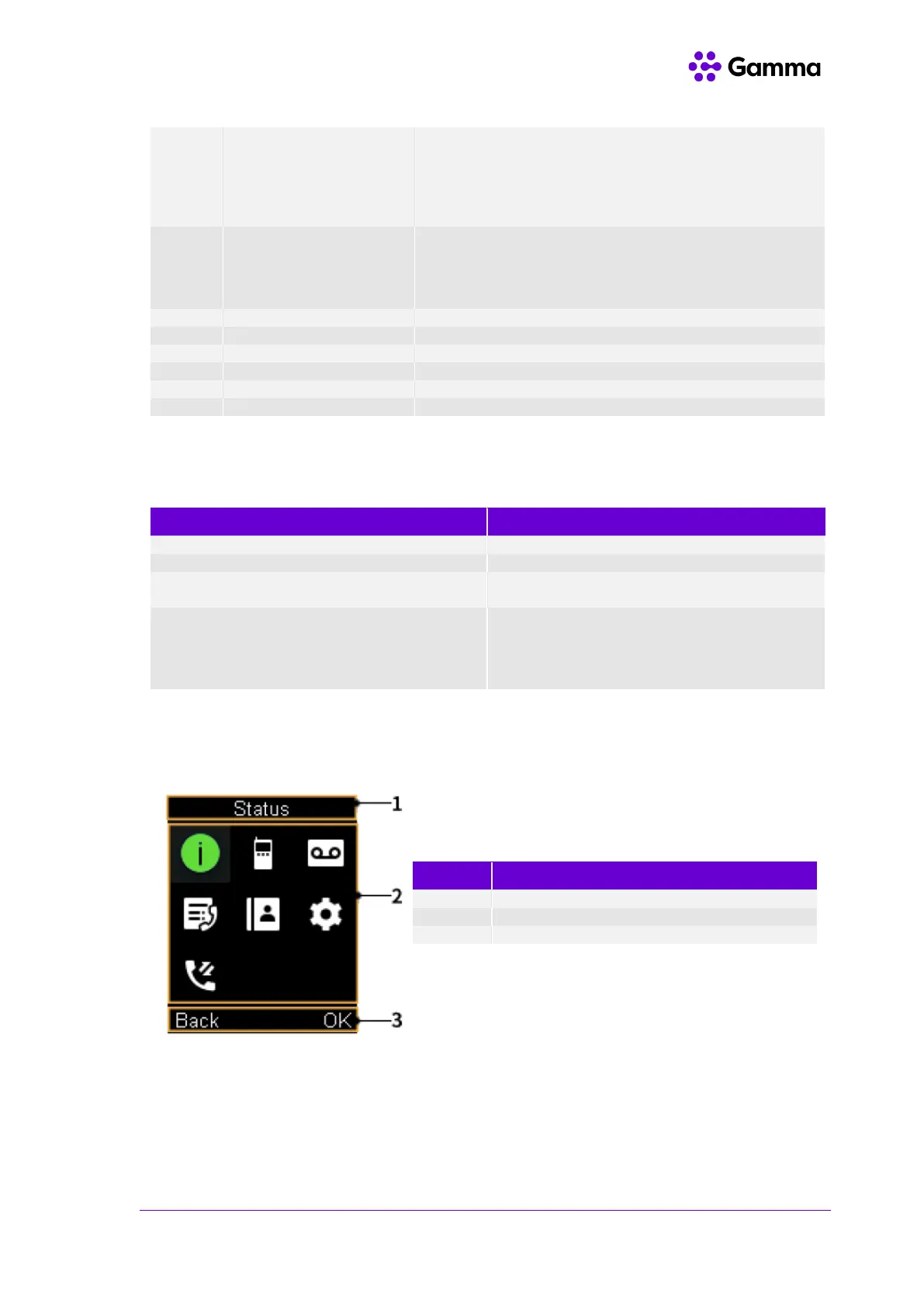
To access the main menu, simply press the OK button on the handset when the handset is idle. To
return to the main screen you can long press the On-hook key to quickly exit the menu.



 To Next Page
 Loading...