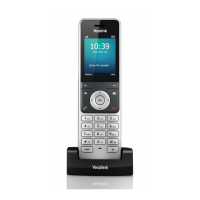
Yealink W73P | User Guide
© Gamma. All rights reserved. Confidential
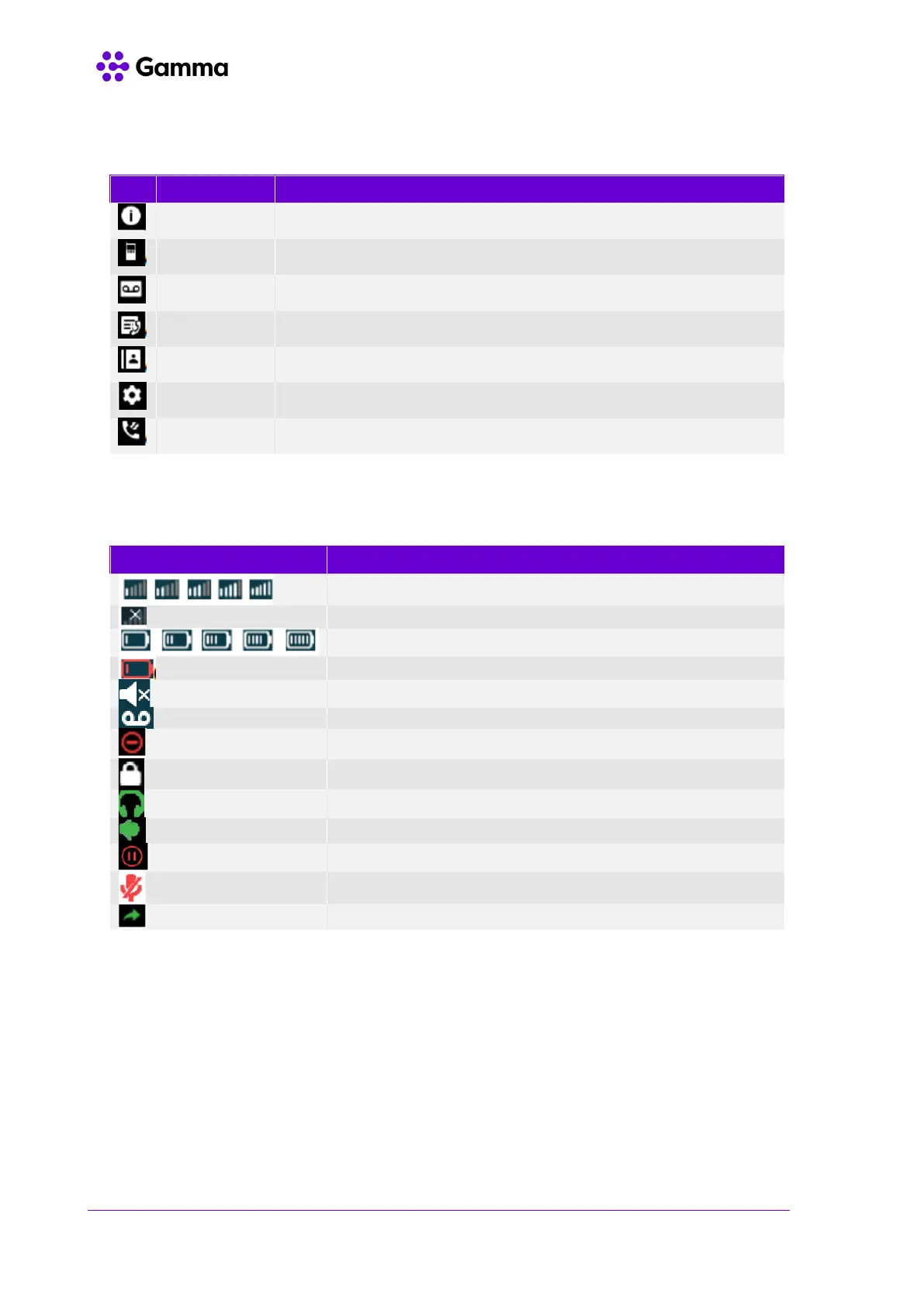
To view the status information of the base, handset, and line.
To make an internal call.
To set and view voicemail(s).
To access Call Forward, Do Not Disturb & Call Waiting
To personalise the settings of your handset.
To access the call history list.
Signal strength. Weak to strong.
Battery status. Low to full.
Handset needs recharging.
The ringer volume is muted, and the phone is on silent.
The phone has new voicemails.
Do Not Disturb is enabled.



 To Next Page
 Loading...