9
Chapter 3:
Modes of Operation
Modes Menu
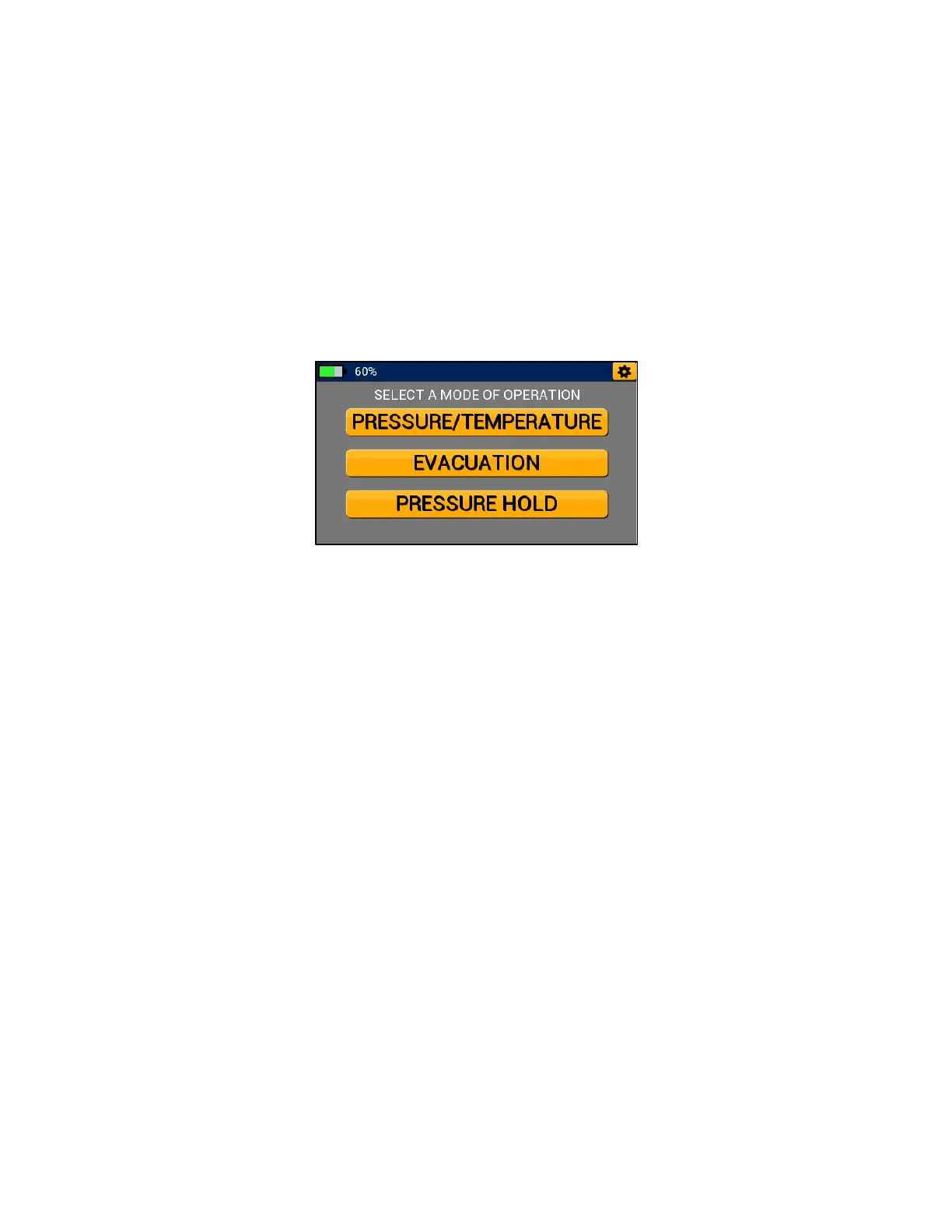
The P51-870 TITAN® will always start up on the Modes Menu shown in Figure 16 below. Tap any
of the three buttons labeled “Pressure/Temperature, Evacuation, Pressure Hold” to start a
Pressure/Temperature, Evacuation, or Pressure Hold session respectively. The general settings
menu can be accessed by tapping the gear icon in the upper right-hand corner.
Pressure/Temperature Mode
Overview:
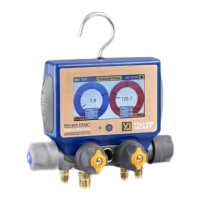
The P51-870 TITAN® Pressure/Temperature mode can be used to accurately diagnose and service
any system with compatible refrigerant. Pressure/Temperature mode features high and low side
digital analog gauges that can be converted to a graphical form for superior data evaluation. This
mode can be used to monitor system high and low side pressure, system temperature, vapor
saturation and liquid saturation temperatures, and calculated system superheat and subcool.


 To Next Page