14
the evacuation or select a new mode of operation. If the vacuum hold timer is not desired, simply
tap the Hold button until NONE is displayed.
NOTE: Using the vacuum hold timer can help to ensure that all refrigerant has been evacuated
from the system and the system is free of non-condensables. Refrigerant and non-condensables
can cause the vacuum level to rise in a system giving a false positive during a leak test when no
leak is present.
Pressure Hold Mode – Pressure Decay Test
Overview:
The P51-870 TITAN® can be used to monitor a system leak through a drop in positive pressure.
The pressure decay test displays the current system pressure (Pc), the initial pressure (Pi), the
change in pressure (Pi-Pc), the Limit Pressure (Limit), and the Rate of Change (%/min).
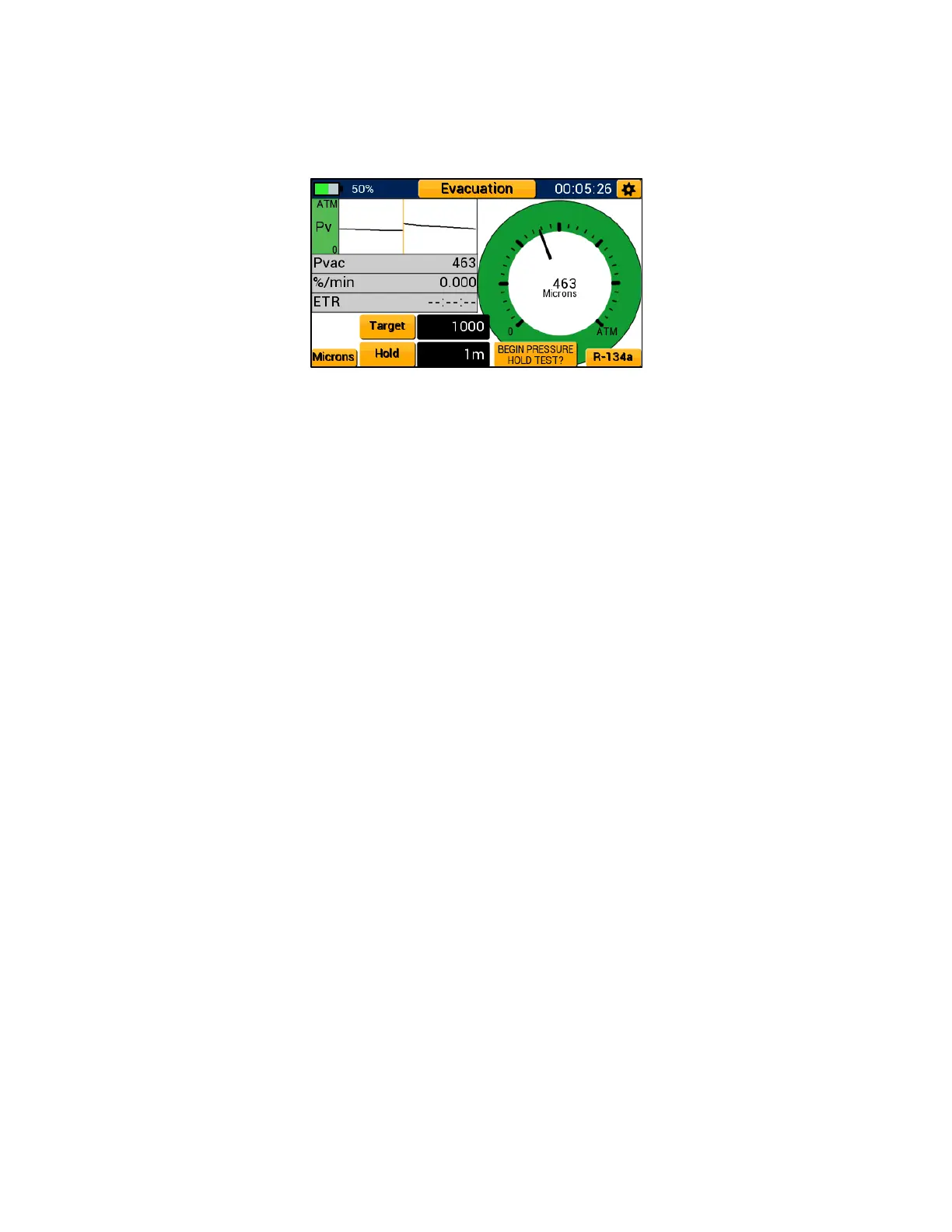
Figure 20: Evacuation - Pressure Hold Test Prompt


 To Next Page