3
Chapter 2:
Getting Started
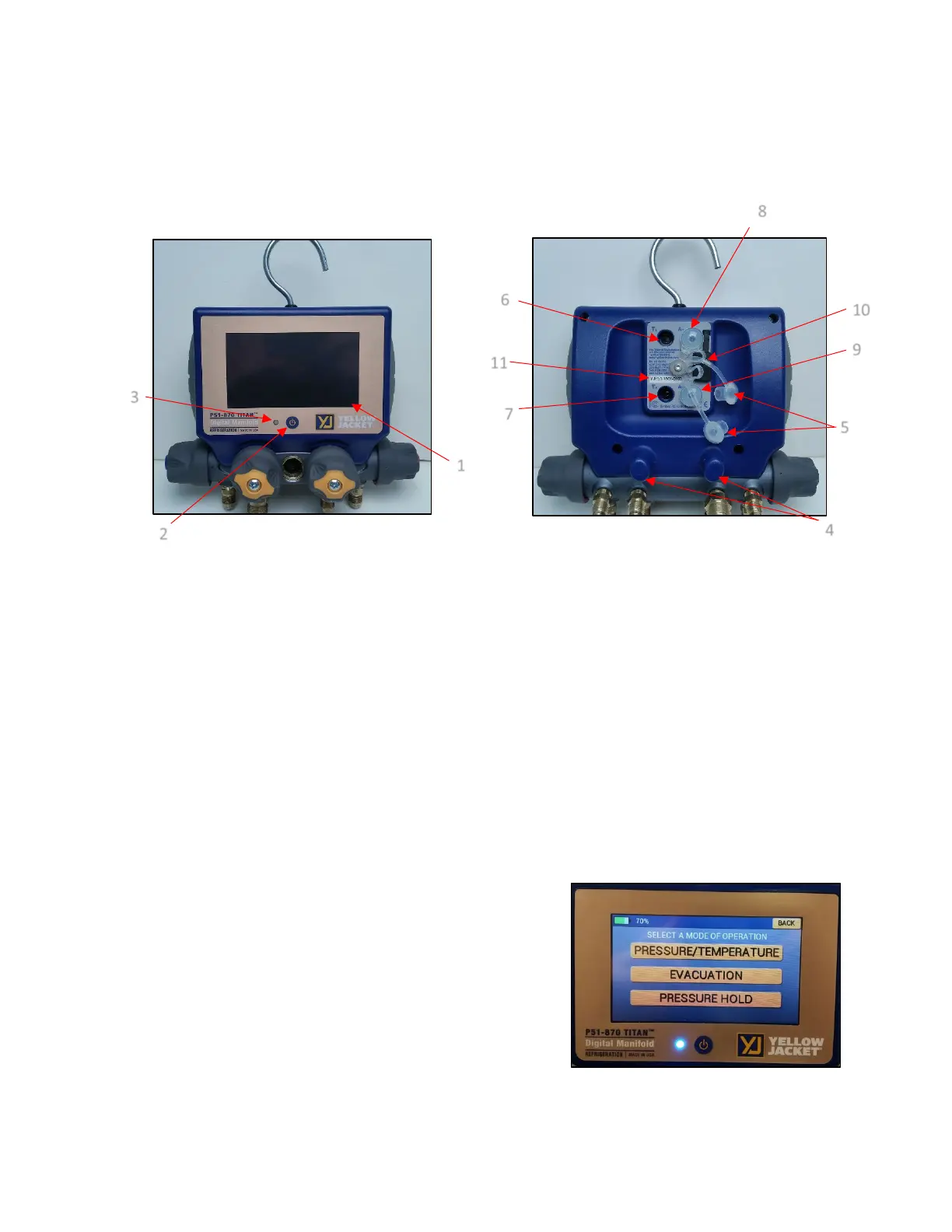
Getting to Know Your P51-870 TITAN®:
1. Touchscreen Display
2. Power Button
3. RGB LED
4. Temperature Clamp Mounting Pegs
5. Silicone Plugs
6. T1 Connector
7. T2 Connector
8. A1 Connector
9. A2 Connector
10. Micro-USB Connector
11. Serial Number/Bluetooth® ID
Turning the instrument On and Off:
Press and release the power button, located at bottom
center of the display. The YJ logo will appear briefly on
startup. The current firmware version and Serial Number are
displayed at the bottom left and right corners of the display
respectively on power up. The instrument will then proceed
to the Modes Menu.
At any time during operation, press and hold the power
button for 3 seconds to turn off the instrument.
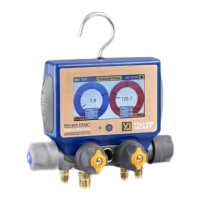
Figure 1: P51-870 Front View
Figure 3: Powering on the Device
Figure 2: P51-870 Rear View


 To Next Page