7-5
IM CA500-01EN
7
USB Function
7.4 Commands
Command Syntax
The command syntax is explained below.
Setting/Control
Command: Transmission command format
Answer: Response data format of a command (setting/control) without a response
When an error occurs, the same data as the error message ERRm (m = error
number) that is displayed on the screen is returned.
Queries
Command: Transmission command format
Return: Response data format of a command with a response (queries)
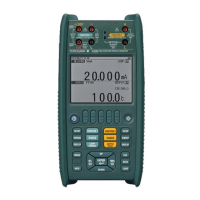
*IDN? Queries the CA500 or CA550 ID string
Command = *IDN?<CRLF> -> Return
YOKOGAWA,CA5xx,XXXXXXXXX,a.aa.aaa
Parameters
Manufacturer: YOKOGAWA
Model name: CA500-F1/CA550-F2/CA550-F3
Serial number: 9 digits
Version number: a.aa.aaa = Firmware package version
AG Sets or queries averaging
Command = AGm<CRLF> -> Answer = AGm<CRLF>
Command = AG?<CRLF> -> Return = AGm<CRLF>
Parameters
m = 0: OFF
1: ON
AP Sets or queries the auto power-off feature
Command = APm<CRLF> -> Answer = APm<CRLF>
Command = AP?<CRLF> -> Return = APm<CRLF>
Parameters
m = 0: OFF
1: ON


 To Next Page
 Loading...