17
Find more information at www.zaco.eu
EN English
Installation
Note
Sunlight can interfere with the charging signal. This may cause the robot vacuum
cleaner not to return to the charging station.
Note
If the battery is too low, the robot cannot be turned on. Place the robot vacuum
cleaner on the charging station. The device will be switched on automatically.
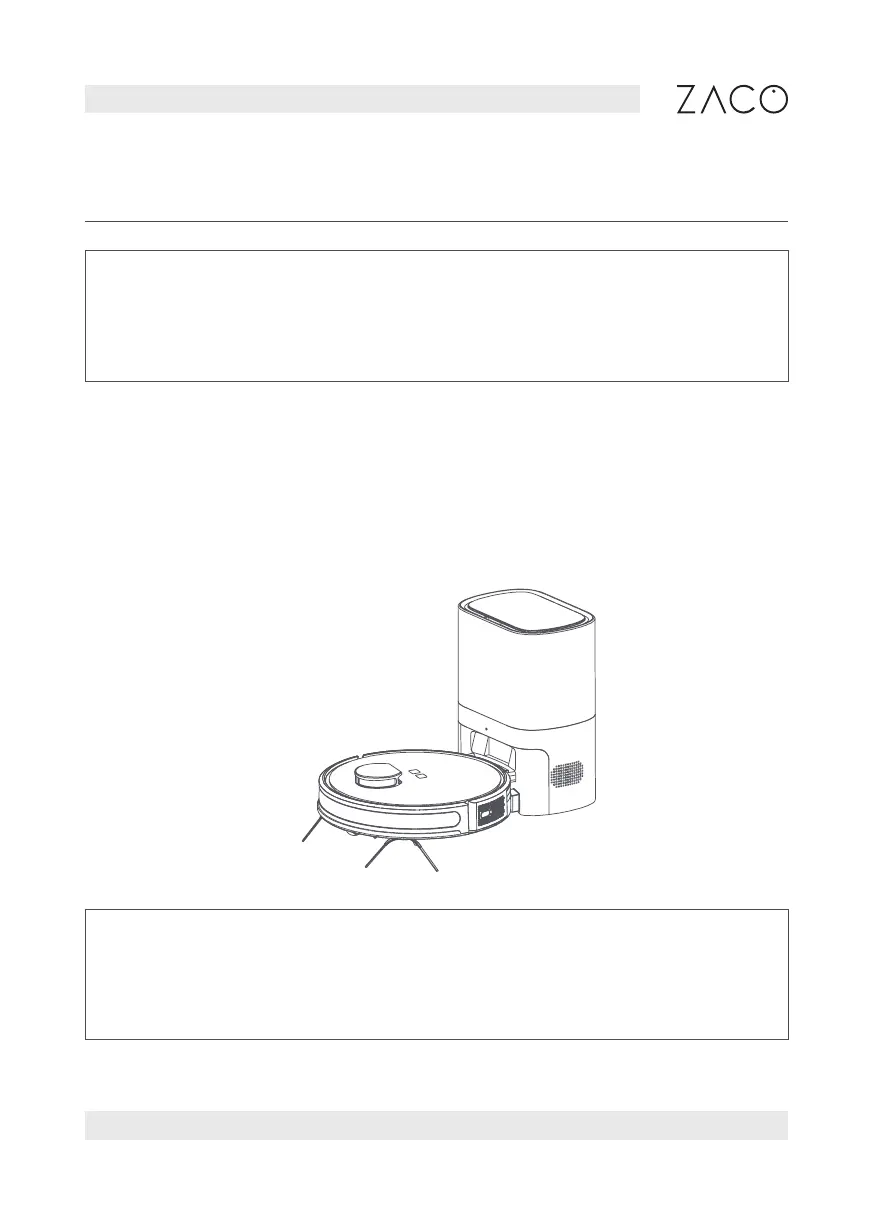
6. Power on and charge
Press and hold the power button for 3 seconds to turn on the robot (when it is not in
the charging station). When the indicator light is on (constant blue light), place the
robot on the charging station. When you hear the voice prompt “start charging” the
robot is charging successfully.



 To Next Page