36
Find more information at www.zaco.eu
EN English
Routine maintenance
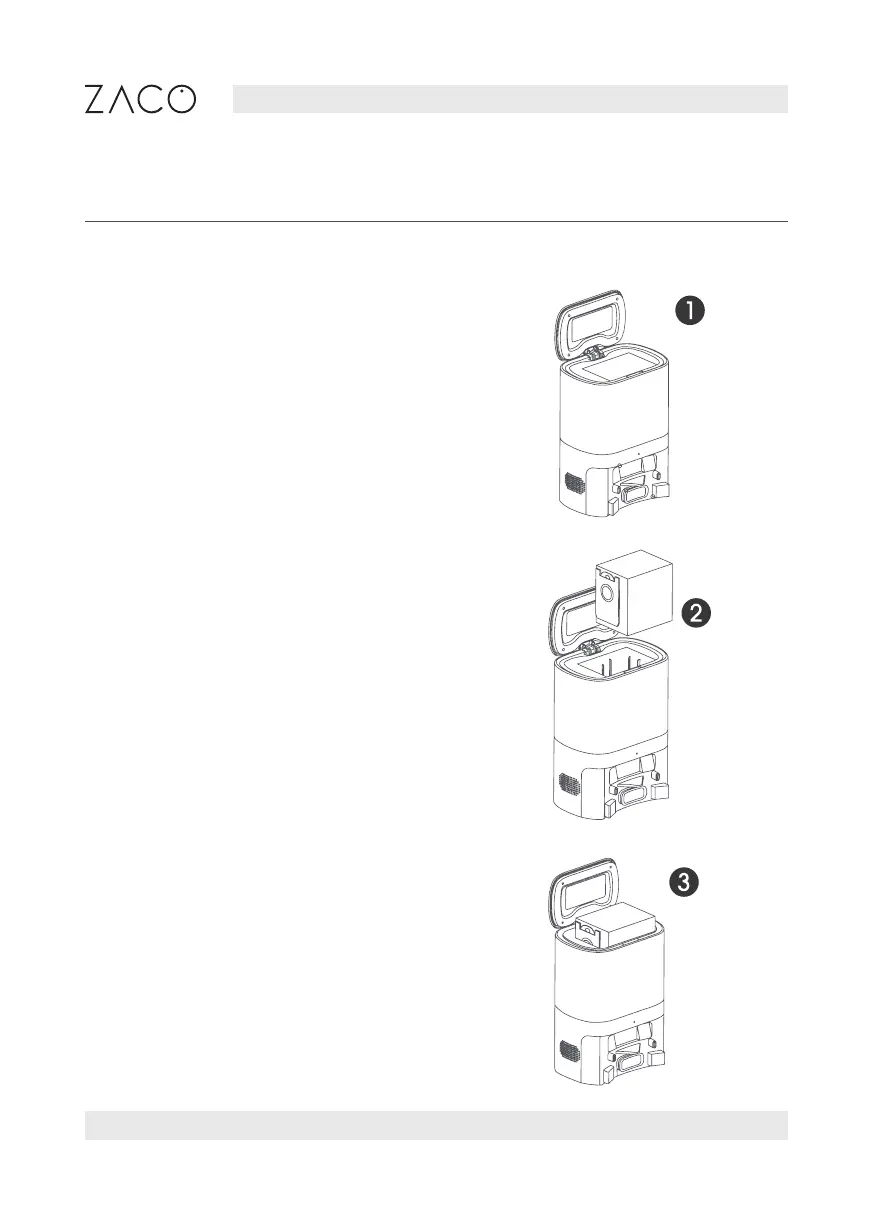
How to change the dust bag
1. Unplug the power cord and lift the
self-emptying charging station cover.
2. Pull up the lifting handle of the dust
bag to seal it.
3. Remove the dust bag from the station.



 To Next Page