20
Find more information at www.zaco.eu
EN English
App download & user instructions
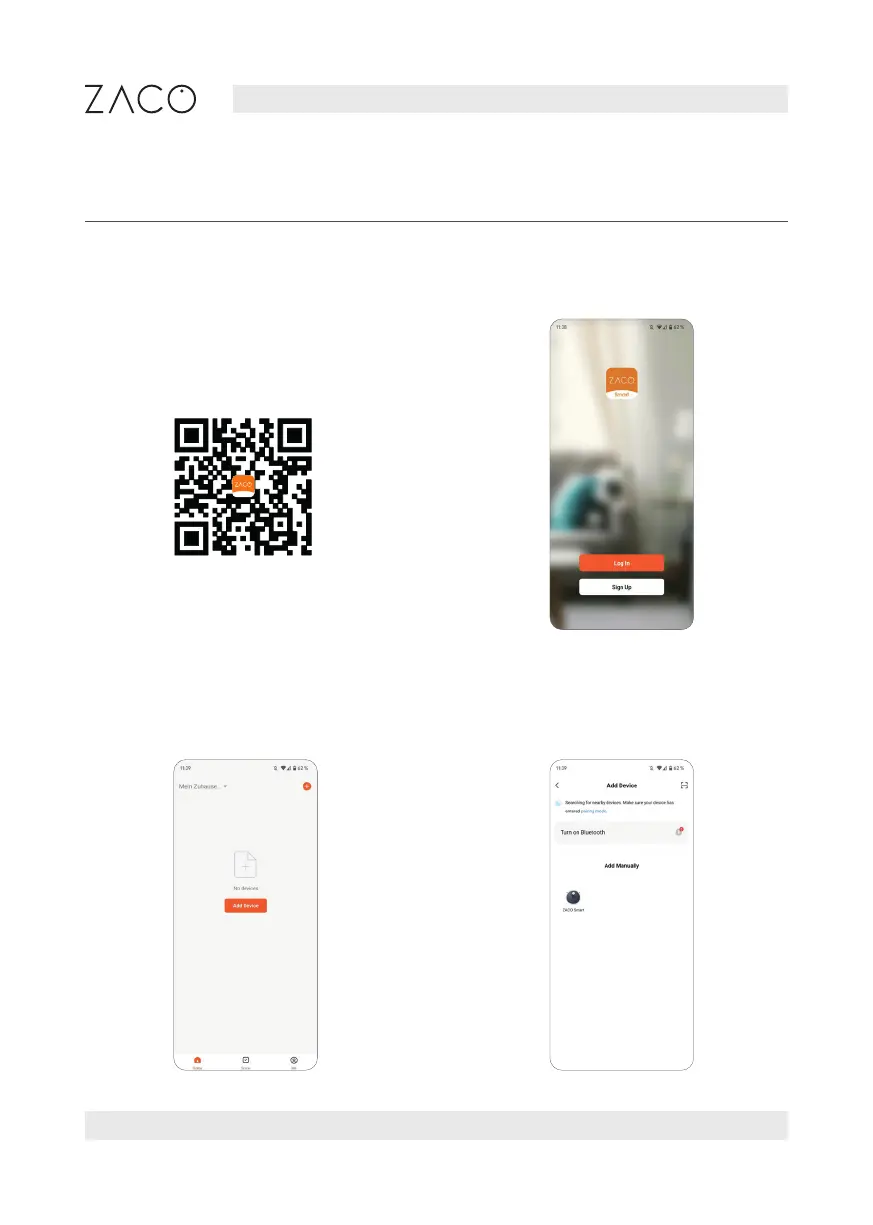
1. Scan the QR code to install the app.
Or search "ZACO Smart" in the iOS
App Store or the Google Play Store
and download the App.
2. Register and log in to the app.
3. Click "Add a device" or "+" in the
top right corner.
4. Select your device model.
Smart



 To Next Page