21
Find more information at www.zaco.eu
EN English
App download & user instructions
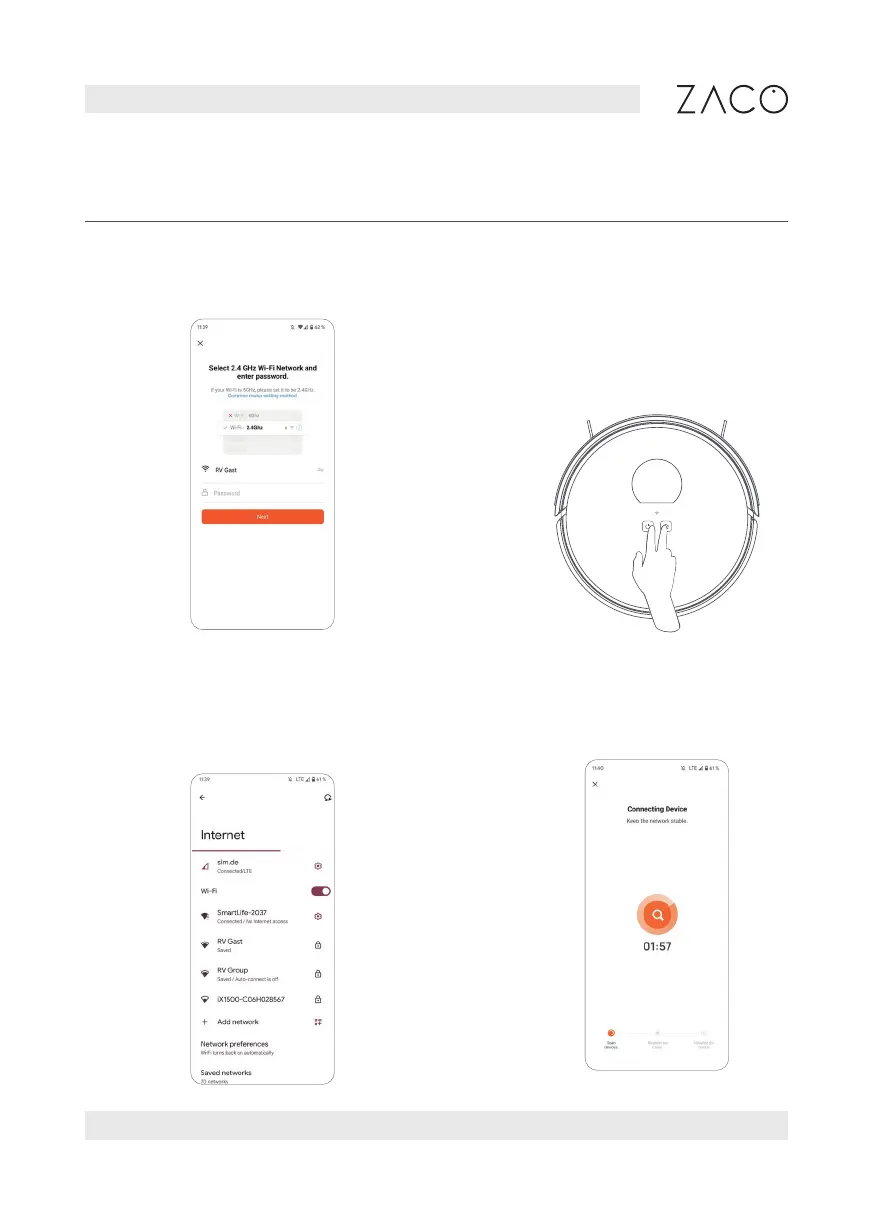
5. Select a 2.4GHz Wi-Fi network
and enter the password.
6. Press and hold both buttons (Home
& Power Button) simultaneously for
at leas 3 sec., until you hear the
voice prompt “AP mode” and the
Wi-Fi indicator light flashes.
7. Select the “SMARTlife-XXXX” WiFi on your
mobile device to connect to the device.
8. Return to the ZACO Smart App.



 To Next Page