28
Find more information at www.zaco.eu
EN English
Product operation
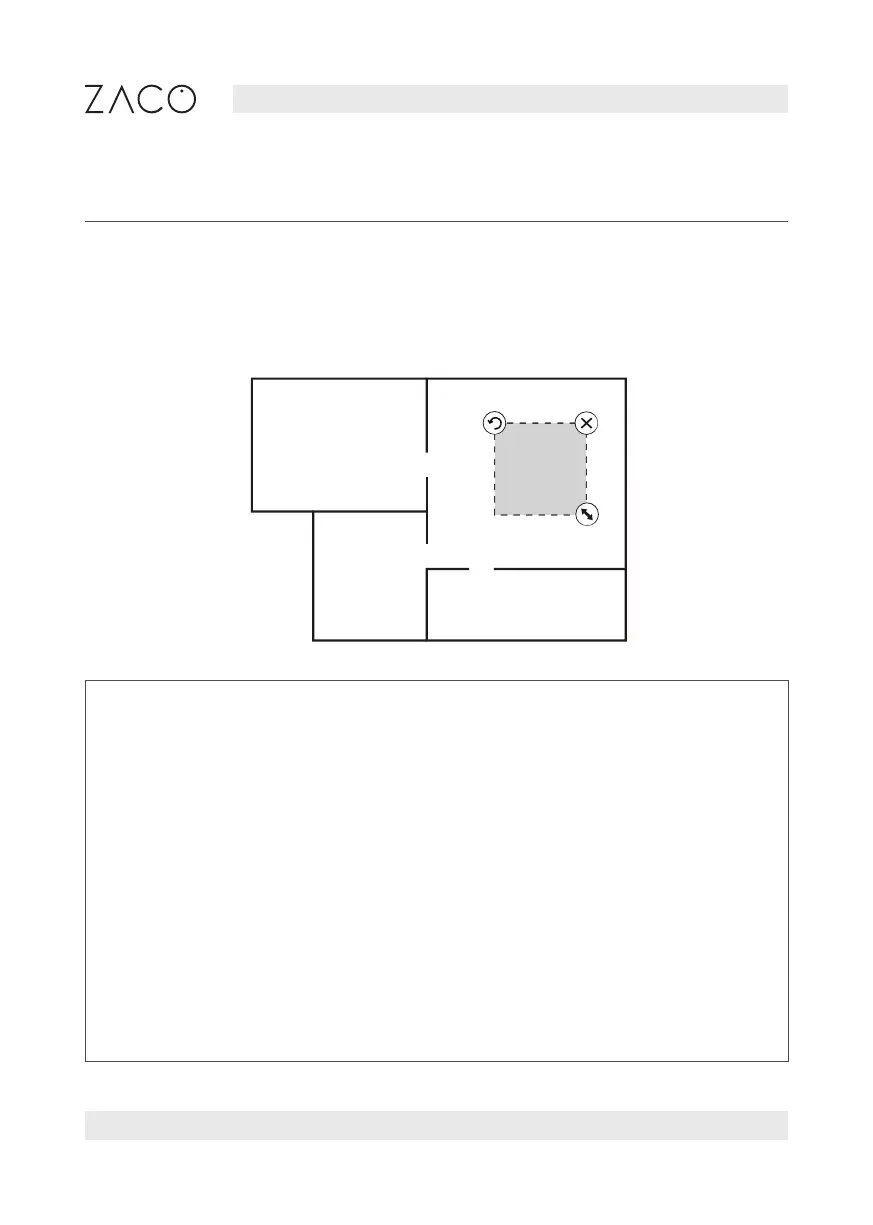
Setting up restricted areas (No-go areas)
Use the app to define no-go areas on the map. The robot will ignore these areas during
the cleaning process.
Note
1. Before you can use this function, the robot must first create a map. Only
then the map will be displayed in the mobile app and you will be able to select
the function.
2. This function is only used to define the cleaning areas and cannot be used to
block dangerous areas. The robot may also clean parts of the room that are
not considered in the planning. Make sure that there are generally no obstac-
les in the area of the planned cleaning and beyond to ensure a safe cleaning
process.
3. When moving the robot vacuum cleaner or there are obvious changes in your
home environment, the map might become ineffective and the restricted
area might be lost.



 To Next Page