ADPZP0CC - MHYRIO FLASH CONTROLLER - User Manual Page - 29/36
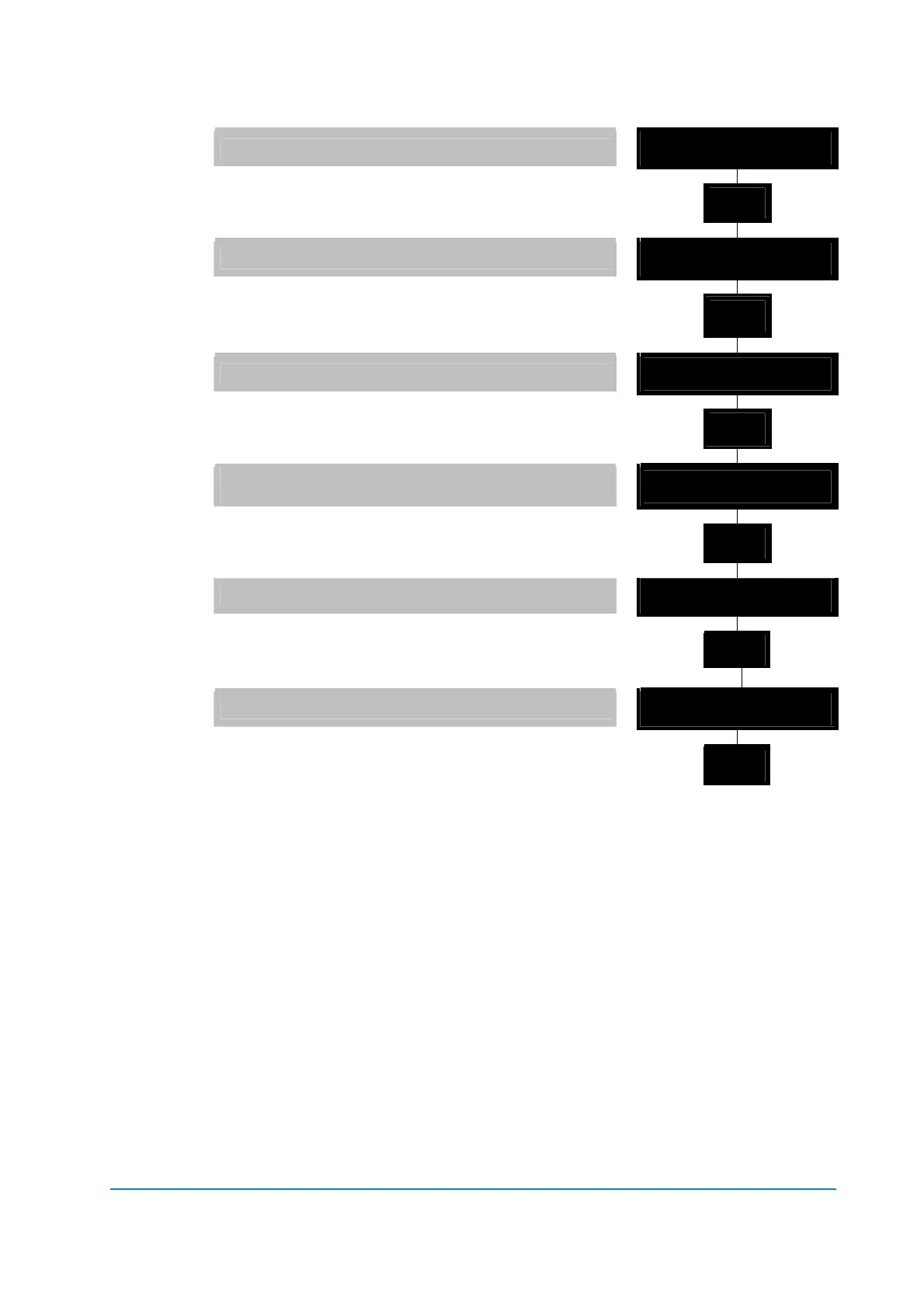
Flow Chart showing how to use the TESTER function of the Digital Console.
1) Opening Zapi Menu.
MHYRIO F ZAPI V0.0
48V 0A 00000
2) Press ENTER to go into the GENERAL MENU.
' % '
' ' '
3) The Display will show: PARAMETER CHANGE.
MAIN MENU
PARAMETER CHANGE
4) Press ROLL UP or ROLL DOWN button until
TESTER menu appears on the display.
% ' '
% ' '
5) The Display shows: TESTER.
MAIN MENU
TESTER
6) Press ENTER to go into the TESTER function.
' % '
' ' '
7) The first variable to be tested is shown on the
Display.
DIGITAL INPUT 1
ON
8) Press either ROLL UP or ROLL DOWN buttons.
% ' '
% ' '
9) Next variable for measurement appears.
DIGITAL INPUT 2
OFF
10) When you have finished, Press OUT.
' ' '
' % '
11) The Display shows: TESTER.
MAIN MENU
TESTER
12) Press OUT again and return to Opening Zapi
Menu.
' ' '
' % '
Remember it is not possible to make any changes using TESTER. All you can do
is measure as if you were using a pre-connected multimeter.



 To Next Page