27
Zaxis Inc. LLC
801.264.1000
2442 South 2570 West
West Valley City, UT 84119
5.1
Touchscreen Calibration.
The touchscreen has been factory set. Typical use of the Isaac will not require
this function to be used.
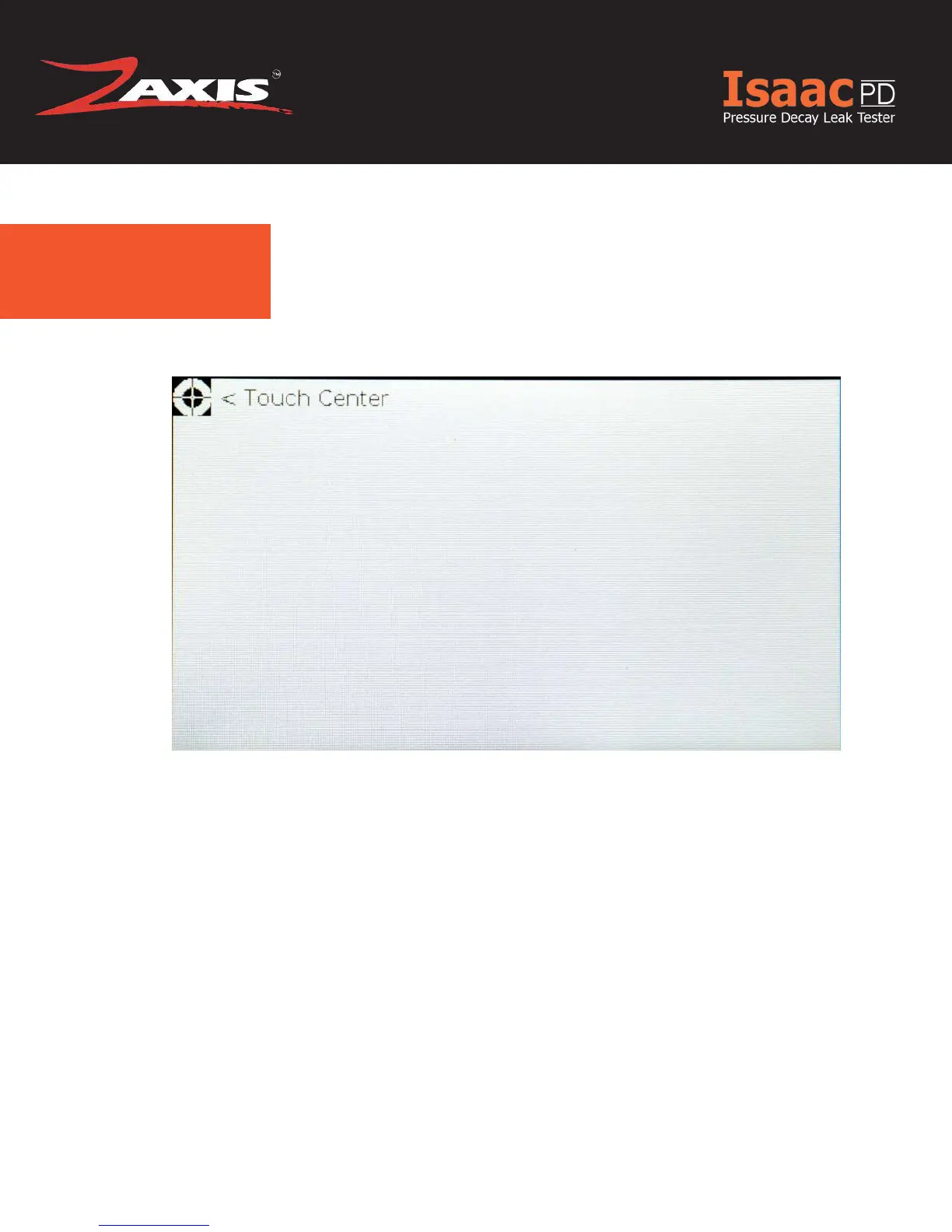
On the calibration screen, the user is asked to touch specic targets with their
stylus to adjust the touch pad to the display.
Settings will automatically save.
Fig. 13. Touchscreen Calibration Screen.



 To Next Page