32
Zaxis Inc. LLC
801.264.1000
2442 South 2570 West
West Valley City, UT 84119
5.4
USB Quick Start
Now that the USB Thumb Drive is mounted there are three different things that can be
saved to the Thumb Drive.
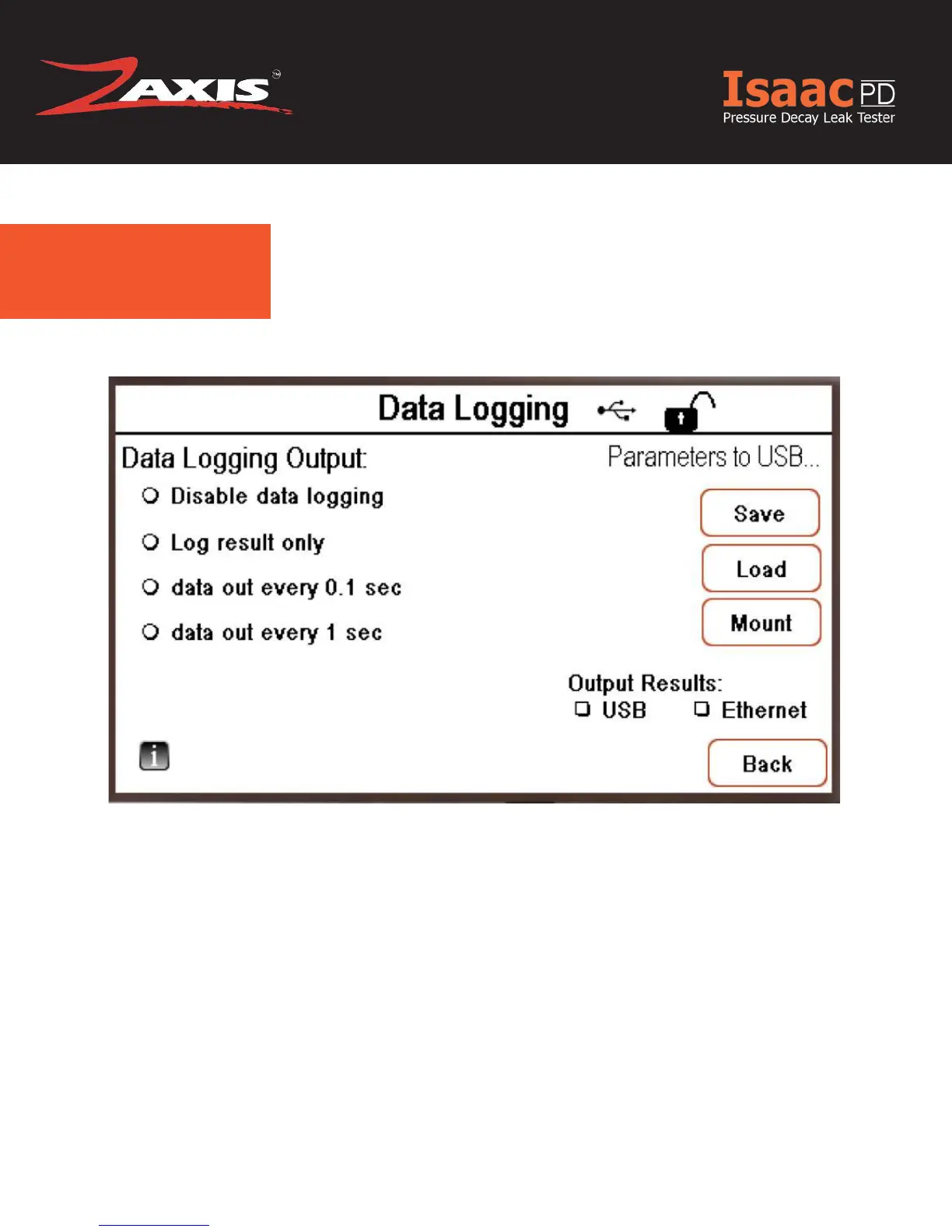
In Figure 1.4 you can save all the test parameters to the Thumb Drive by pressing ‘Save’
under the “Parameters to USB” Label. You now have a backup of your test Parameters
that can be easily loaded onto other machines by pressing the ‘Load’ button.
In Figure 1.4 under “Output Results” by clicking ‘USB’ nyou have the option to save your
“Data Logging Output” to the USB Thumb Drive. If “Disable data logging” is selected
under “Data Logging Output” no data will be saved to the USB Thumb Drive.
Fig. 1.4 Data Logging Screen



 To Next Page