31
Zaxis Inc. LLC
801.264.1000
2442 South 2570 West
West Valley City, UT 84119
5.4
USB Quick Start
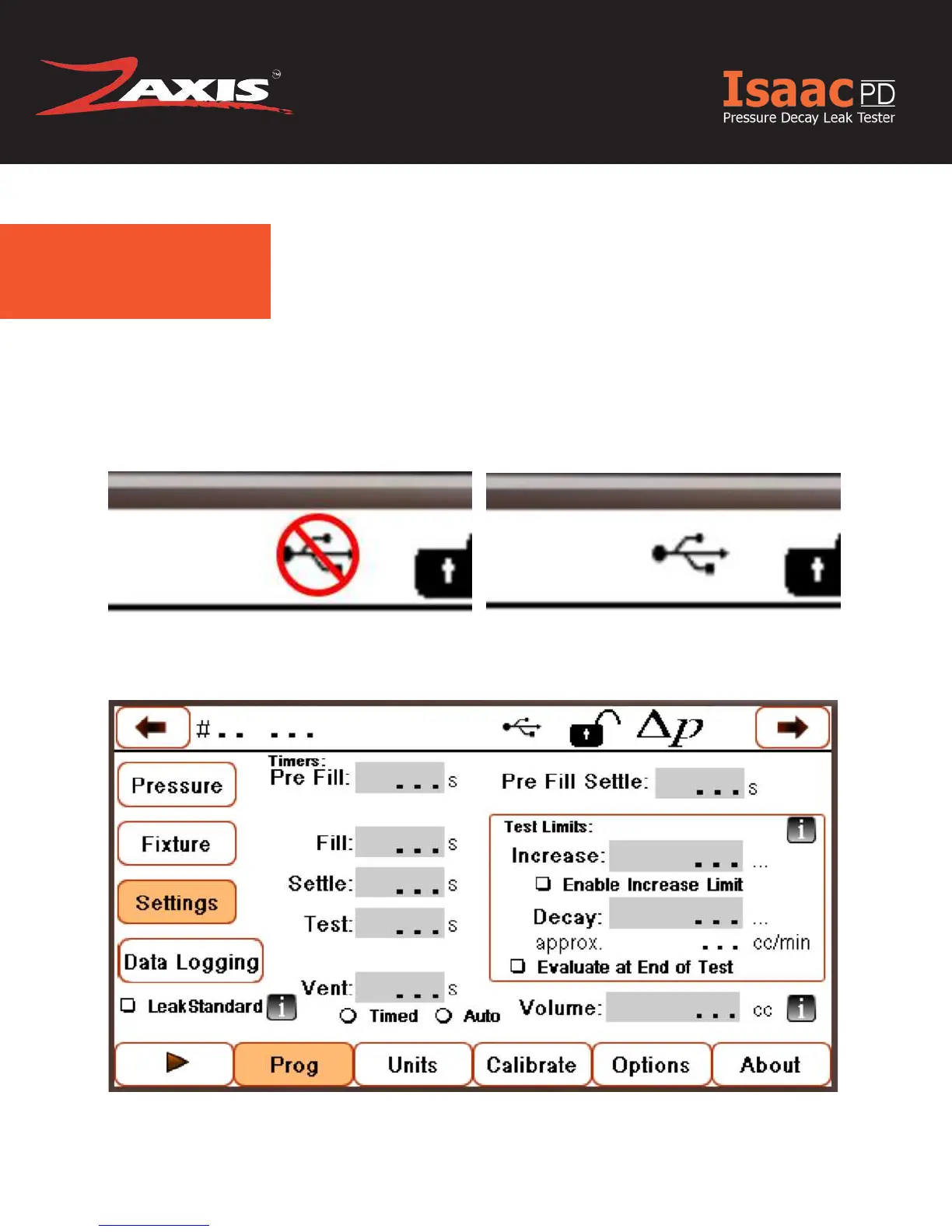
The Top of your screen will display whether or not a USB Thumb Drive is inserted and
recognised. Figure 1.1 Shows a that either a USB Thumb Drive is inserted and rec-
ognised. Figure 1.2 shows that a USB Thumb Drive isn’t inserted or It isn’t being rec-
ognised.
In the case that a thumb drive is inserted but isn’t recognised ‘Mount’ the drive by going
to Setting -> Data Logging and Press the ‘Mount’ button.
Figure 1.1 USB is NOT recognized
Figure 1.2 USB is recognized
Figure 1.3



 To Next Page