28
Zaxis Inc. LLC
801.264.1000
2442 South 2570 West
West Valley City, UT 84119
5.2
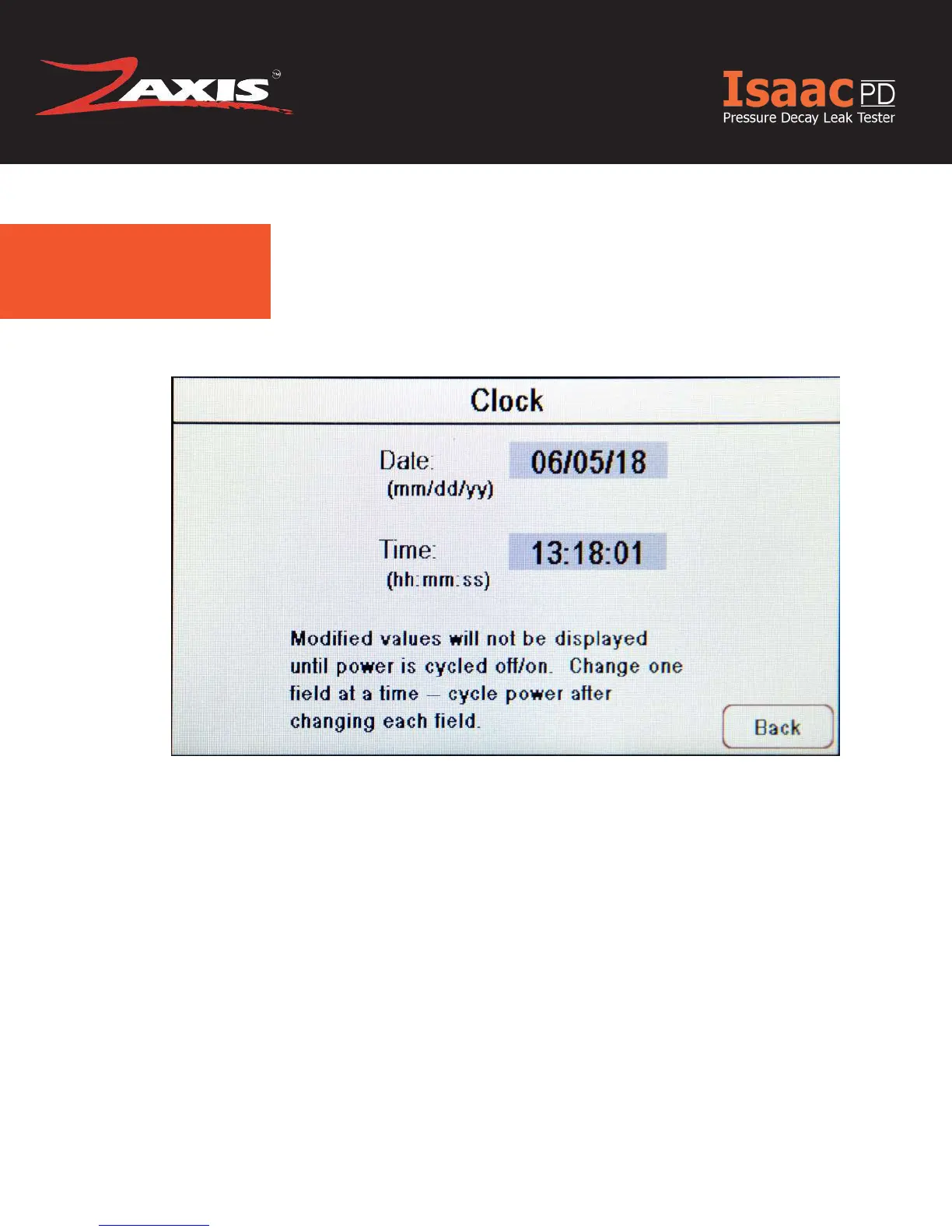
Clock.
Fig. 14. Clock Settings Screen.
To modify either the time or date, touch the eld to be changed with you nger
or stylus. A numeric keypad screen will open.
Changes will not appear until the unit’s power has been cycle on/off.
Change one eld at a time and cycle power after changing each eld.



 To Next Page