9
Zaxis Inc. LLC
801.264.1000
2442 South 2570 West
West Valley City, UT 84119
3
Control Screens.
Run Mode — Press this button to change to the run mode to begin testing.
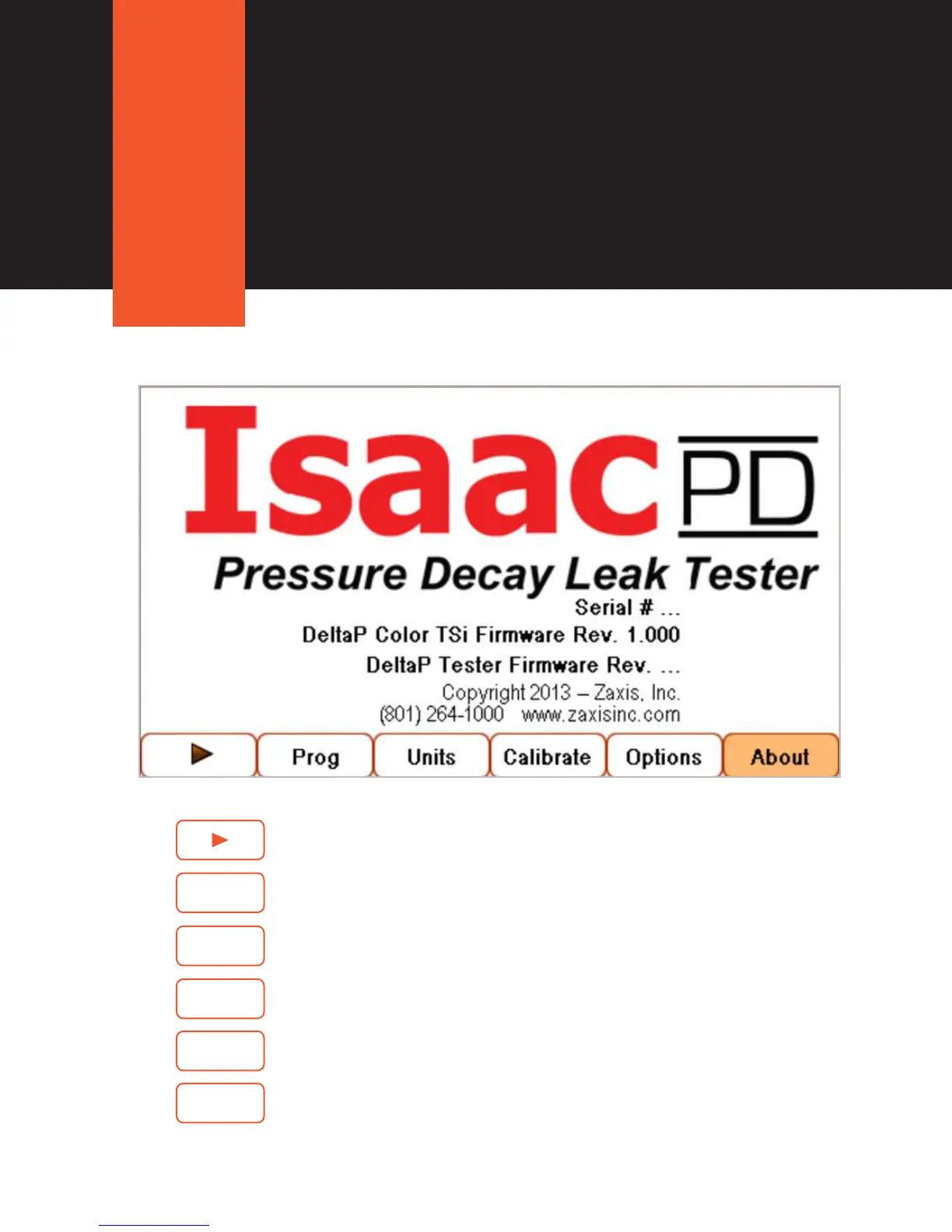
Fig. 3. About Screen for the Isaac PD.
Program — Contains three sub-menus (Pressure, Fixture, and Settings) that
control the parameters of the test.
Units — Engineering units and the displayed sensor resolution.
Calibrate — Calibration settings.
Options — Contains eight user options (Touchscreen Calibration, Clock, I/O
Setup, Data Logging, Change PIN, Serial Port, Ethernet Settings).
About — Lists the rmware revision level, serial number, and contact info for
Zaxis. (see Fig 3.)
Prog
Units
Calibrate
Options
About



 To Next Page