33
Zaxis Inc. LLC
801.264.1000
2442 South 2570 West
West Valley City, UT 84119
5.4
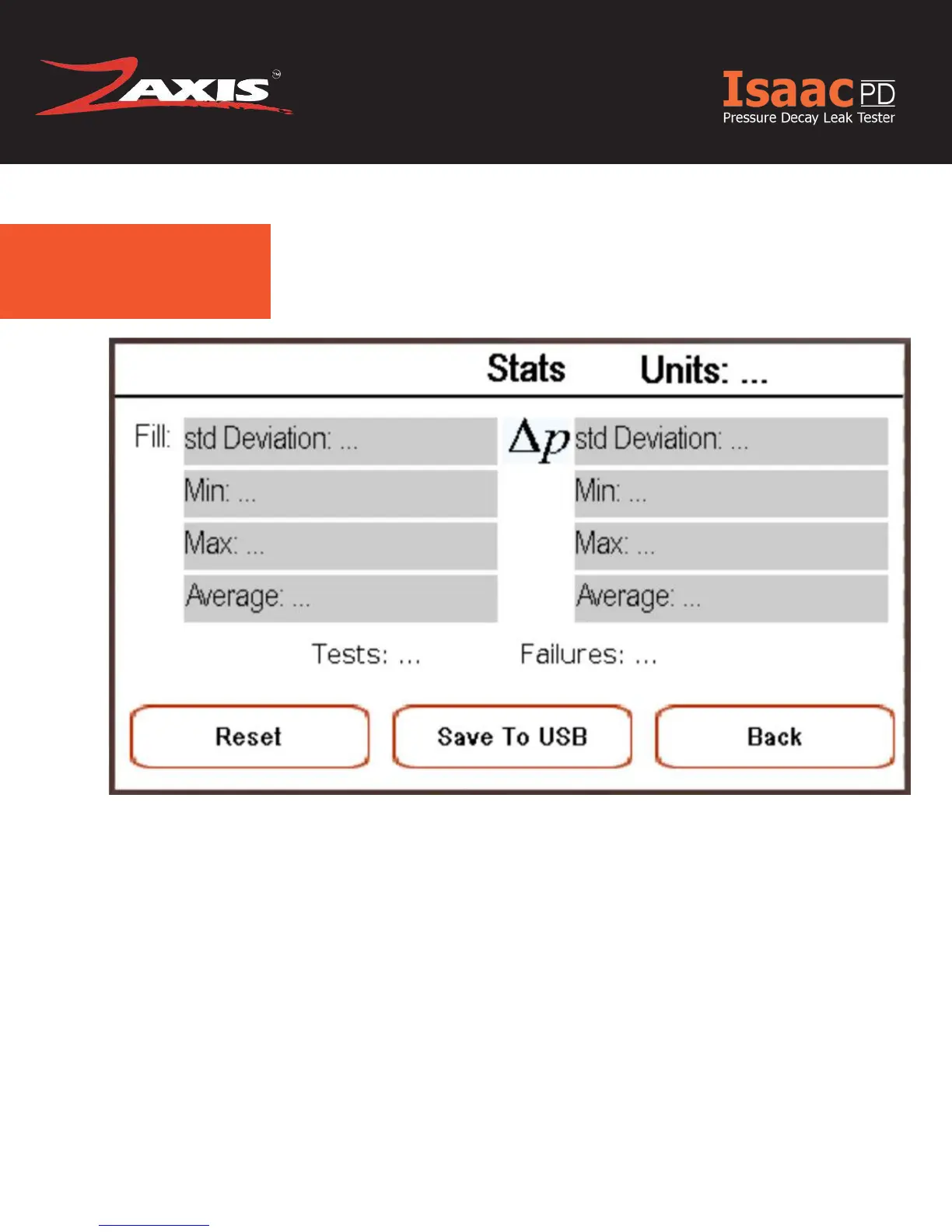
You can view statistical data from your tests by going to Pressure->Stats.
In Figure 1.6 you have the option to save the last 30 tests to a USB Thumb Drive by pressing
“Save To USB”. If a USB Thumb Drive is inserted while running tests the statistical data will be
save to the Thumb Drive every 30 tests automatically.
USB Troubleshooting:
If your USB Thumb Drive isn’t being recognised try these steps.
- Go to Settings->Data Logging and Press the ‘Mount’ button
- If that doesn’t work try turning the tester off and then on again with the USB Thumb Drive
inserted
- If you are still having trouble make sure you are using a High Quality Thumb Drive and that
the File System is formatted in Fat 32. NTFS Formats will not work
Fig. 1.6 Save To USB Screen
USB Quick Start



 To Next Page