18
• A: Press and hold this switch to stop the auto rank increment function for profile data. The auto rank
increment function will resume when you release Switch A. This setting is invalid when the last profile
data is being displayed.
• B: Press this switch to move to PC transfer mode, when there is no log and profile data, it moves to
time set mode. but if surface time is less than 10 minutes, the mode moves to time mode, not PC
transfer mode.
• C: Press this switch to change log number.
(60→59→58→…→2→1→60→…)
• C: Press and hold this switch to change log number fast scrolling. The oldest data stop.
(60→59→58→…→2→1→60→…)
• D: When water is detected, the mode moves to dive mode.
• Auto return: The display automatically returns to time mode when no switches are used for 2-3
minutes.
• B: Press and hold this switch for 1-2 seconds to move to time mode.
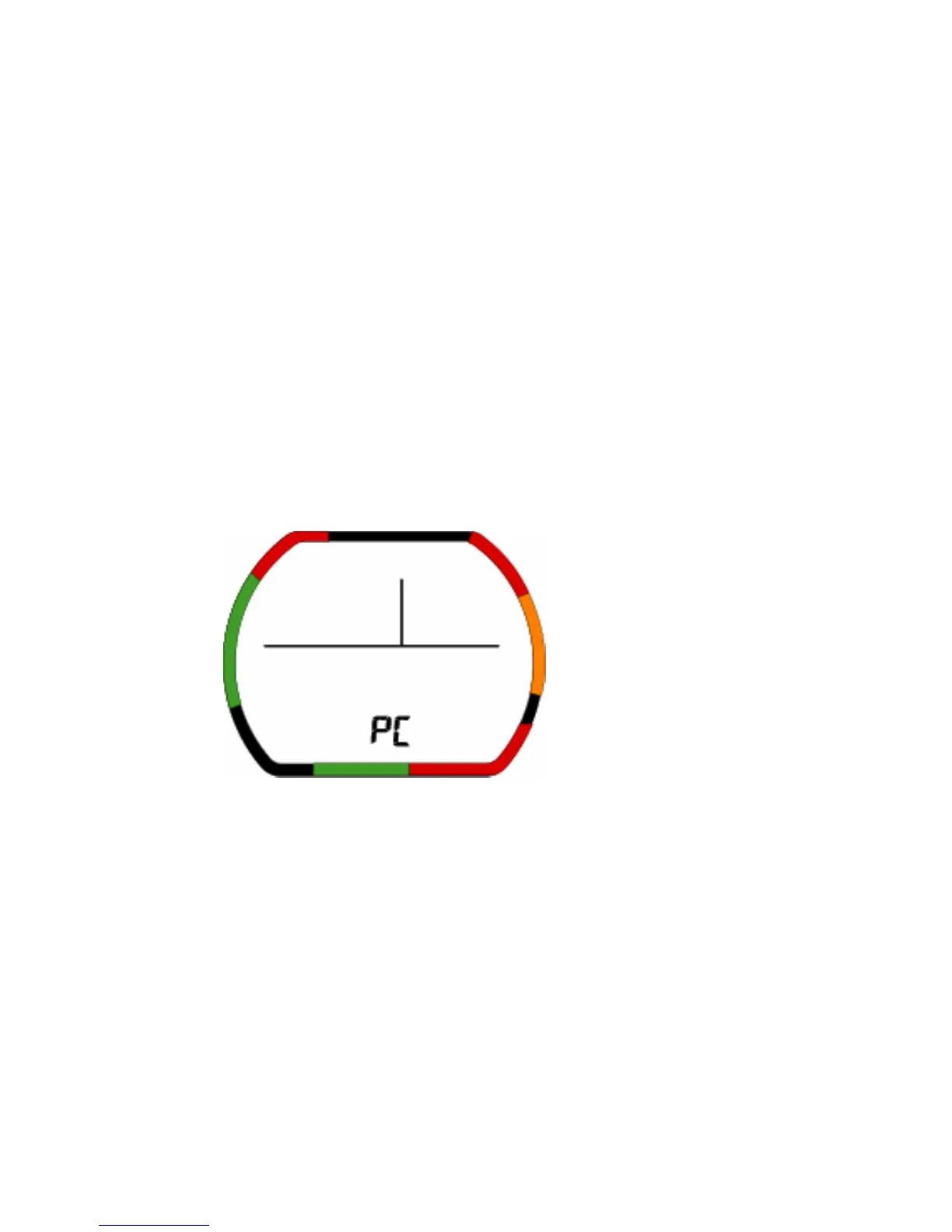
1-3-6.PC transfer mode
If surface time is less than 10 minutes,and when there is no log and profile data, it moves to time
mode,it cannot enter this mode
(1)Description of Functions
• Battery indicator Icon: This displays the current battery voltage.
• Mode display: This shows PC transfer mode.
(2)Operation of switches
• A: No function
• B: Press this switch to move to time set mode.
• C: No function
• D: No function
• Enter the mode for 14-15 minutes: move to time mode
• B: Press and hold this switch for 1-2 seconds to move to time mode.
Mode


 To Next Page