9
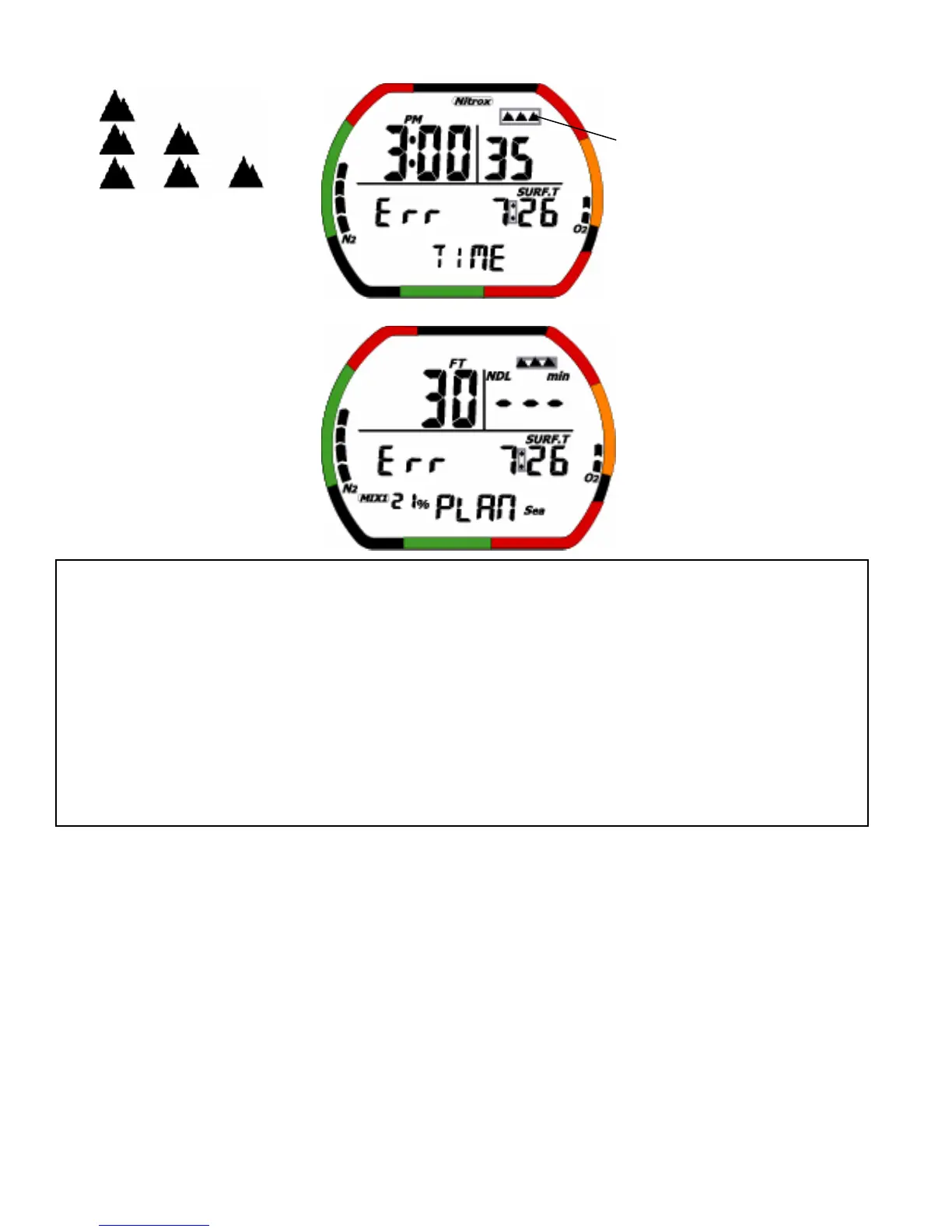
< Altitude Rank 0,1,2,3> < Altitude level Err over 6000 meters (19680 feet)>
(2)Operation of switches
<Normal>
• A: EL back light is on from 4-5 seconds.
• B: Press this switch to move to dive set mode.
• C: EL back light is on from 4-5 seconds.
• D: When water is detected, the mode moves to dive mode.
<Surface condition(=after a dive)>
• A: EL back light is on from 4-5 seconds.
• B: Press this switch to move to dive set mode , but if surface time is less than 10 minutes, the mode
moves to dive plan mode, not dive set mode. (In gage mode, move to gage dive set mode display, but
Blink
Caution
:Even when there is no PGT(=pressure of gas in tissure) graph, a change in the altitude rank will
cause PGT graph to be displayed and desaturation time to be performed.
:Never touch the water detection switch or expose it to moisture when on an airplane or in any
other environment where air pressure can change quickly.
:When the PGT graph is high, a change in the altitude rank may cause nine level indicators to
appear for PGT. To prevent this, never use the dive computer when going to high-altitude
locations, since it will disable dive mode as a safety precaution. Normal function of the dive
computer will be restored when PGT graph drops to 8 or less level.
:Difference of one-minute may occur between when the PGT graph is turned off and when
desaturation time is turned off.
:A battery indicator Icon is used to indicate battery life. Be sure to replace the battery when this
battery Icon appears (ON or blinking).


 To Next Page