1 - 12 ET5X User Guide
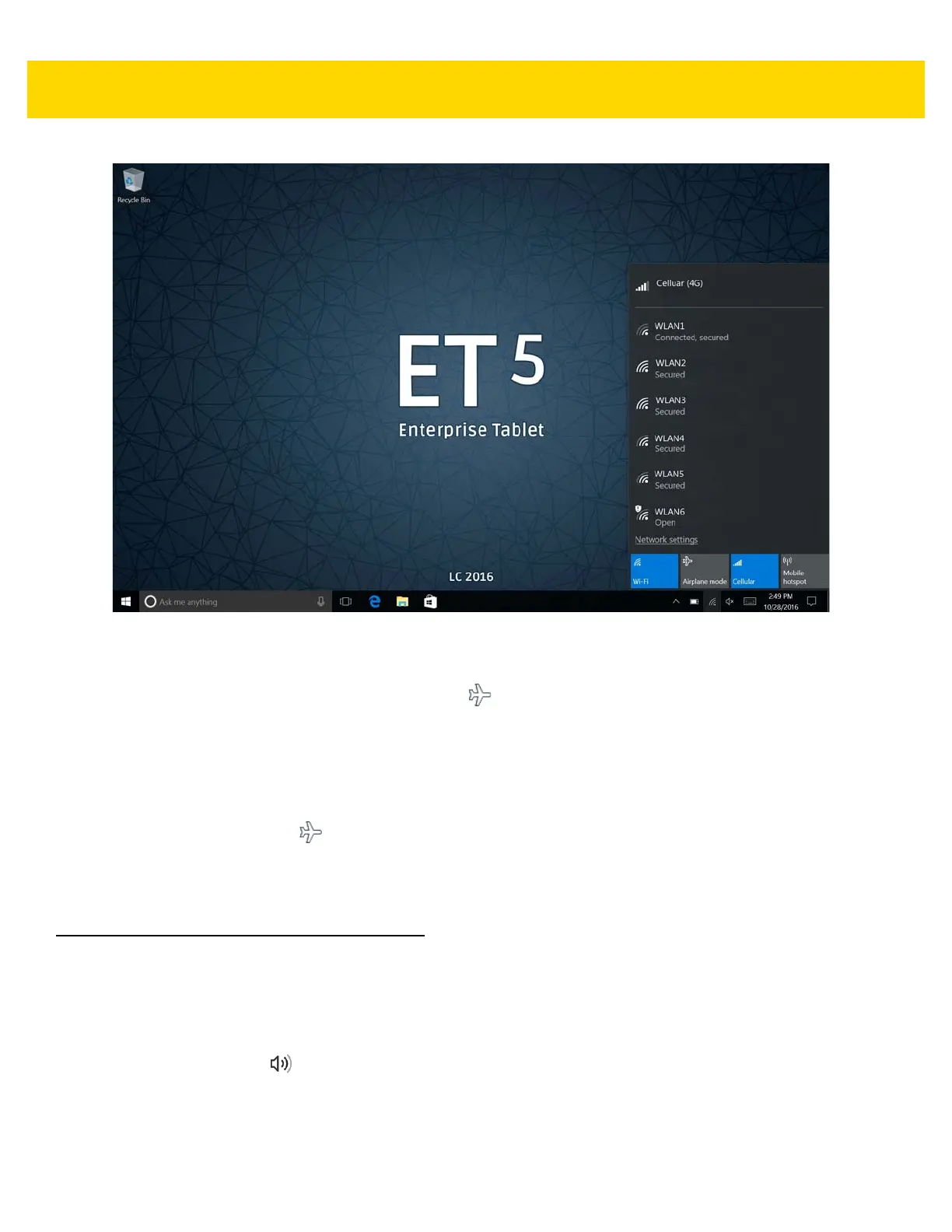
Figure 1-15 Wi-Fi Options
2. Touch Airplane mode option.
The option box turns blue and the airplane icon appears in the Taskbar indicating that the tablet is in
Airplane mode.
When Airplane mode is on, the Wi-Fi, Bluetooth, GNSS and NFC radios are turned off. You can turn on these
radios but the WAN radio.
To turn on the radios in Airplane Mode:
1. In the Task Tray, touch .
2. Touch Wi-Fi option.
The option box turns blue indicating that Wi-Fi is on.
Adjusting the Volume
You can adjust the volume:
•
Volume - Use the volume-up /volume-down button on the top of the ET5X
•
Taskbar - Touch on the Task Tray and adjust the slider.



 To Next Page