PAGE 24 ] OPERATION
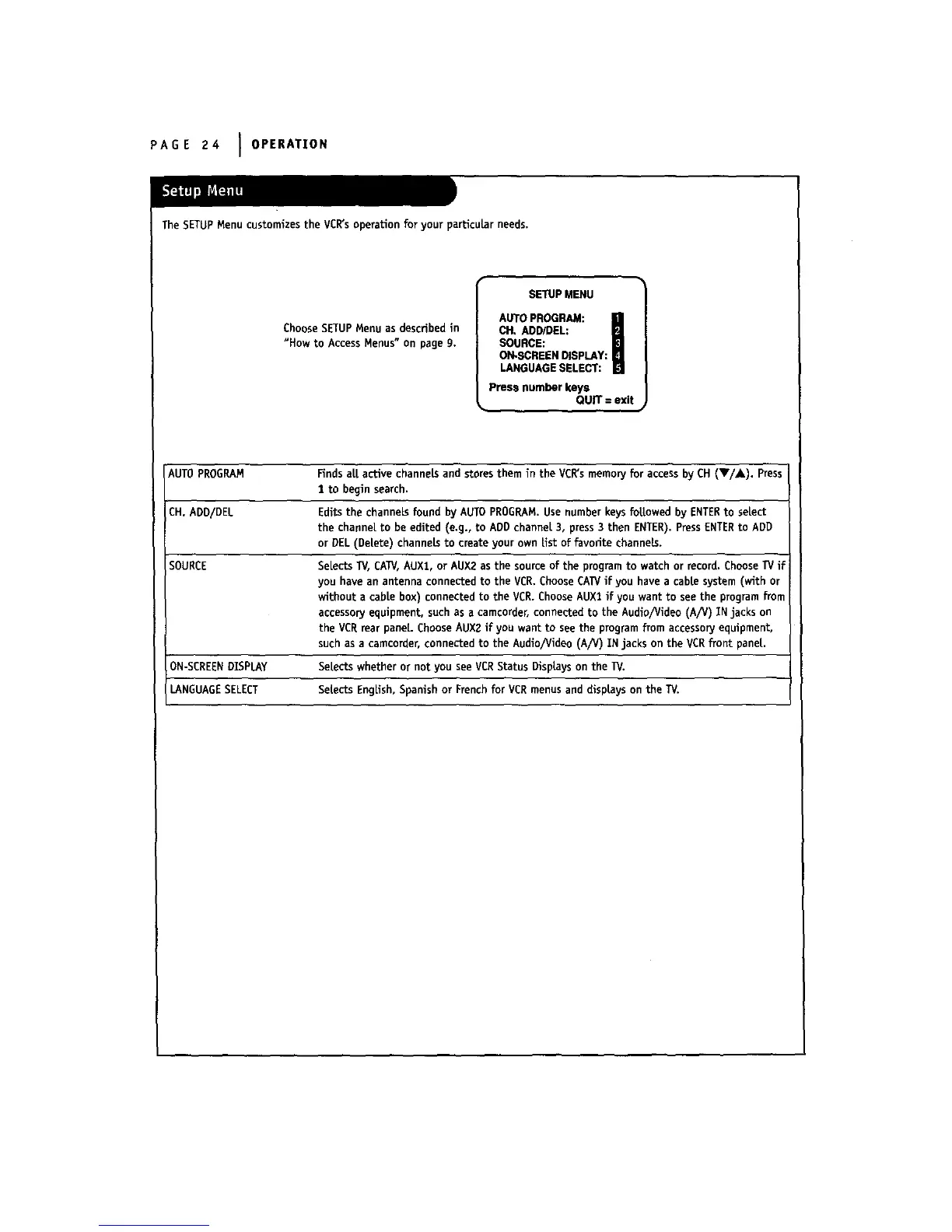
The SETUPMenu customizes the VCR'soperation for your particular needs.
Choose SETUPMenu as described in
"How to AccessMenus" on page 9.
SETUP MENU
AUTO PROGRAM:
CH, ADD/DEL:
SOURCE:
ON-SCREENDISPLAY:
LANGUAGESELECT:
press number keys
QUIT = exit
AUTOPROGRAM Finds all active channels and stores them in the VCR'smemory for access by CH (V/A). Press
1 to begin search.
CH. ADD/DEL Edits the channels found by AUTO PROGRAM.Use numberkeys followed by ENTERto select
the channel to be edited (e.g., to ADD channel 3, press 3 then ENTER).PressENTERto ADD
or DEL (De|ete) channels to create your own List of favorite channels.
SOURCE Selects TV, CATV,AUX%,or AUX2 as the source of the program to watch or record. ChooseTV if
you have an antenna connected to the VCR. Choose CATVif you have a cable system (with or
without a cable box) connected to the VCR. Choose AUX1 if you want to see the program from
accessoryequipment, such as a camcorder, connected to the Audlo/Video (A/V) IN jacks on
the VCR rear panel. Choose AUX2 if you want to seethe program from accessoryequipment,
such as a camcorder, connected to the Audlo/Video (A/V) IN jacks on the VCRfront pane{.
ON-SCREENDISPLAY Selects whether or not you seeVCRStatus Displayson the 1_/.
LANGUAGESELECT Se{ects English, Spanish or Frenchfor VCRmenus and disp|ays on the TV.



 To Next Page