OPERATION I PAGE 25
The AUDIO Menu specifies the audio format to be used when recording or playing a tape.
(Audio menu's PLAYBACKand RECORDoptions are available only with stereo VCRs.)
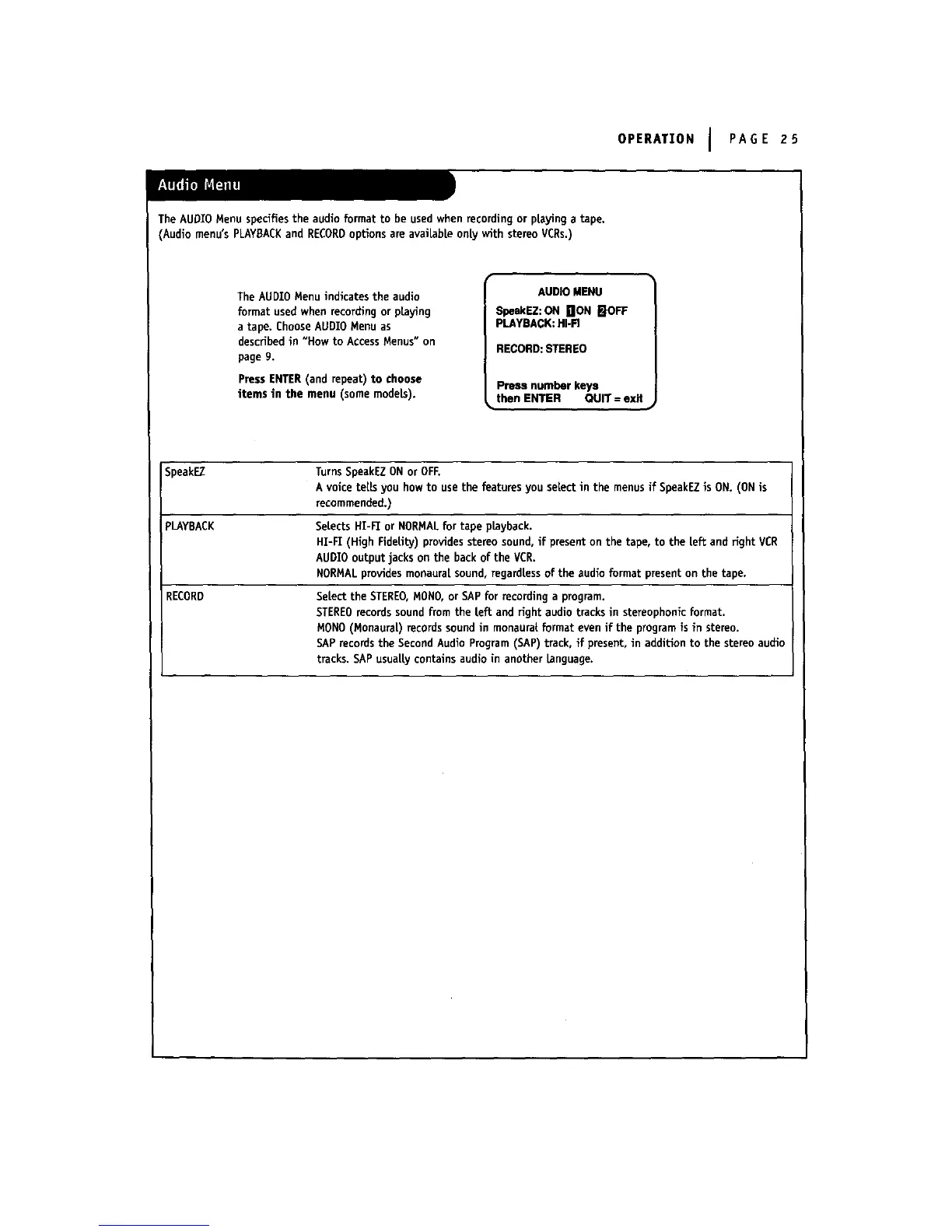
The AUDIO Menu indicates the audio
format used when recording or playing
a tape. Choose AUDIO Menu as
described in "How to Access Menus" on
page g.
Press ENTER(and repeat) to choose
items in the menu (some models).
AUDIO MENU
_eakEZ:ON nON _IOFF
PLAYBACK:HI.FI
RECORD: STEREO
Press number keys
then ENTER QUIT = exit
SpeakEZ Turns SpeakEZON or OFF.
A voice tells you how to usethe features you select in the menus if SpeakEZis ON. (ON is
recommended.)
pLAYBACK Selects HT-FI or NORMALfor tape playback.
HI-FI (High FidelibJ) providesstereo sound, if present on the tape, to the left and fight VCR
AUDIO output jacks on the back of the VCR.
NORMALprovidesmonaura[ sound, regardlessof the audio format present on the tape.
RECORD Select the STEREO,MOHO,or SAPfor recording a program.
STEREOrecords sound from the left and fight audio tracks in stereophonic format.
MONO (Monaural) records soundin monaura{format even if the programis in stereo.
SAPrecords the SecondAudio Program (SAP) track, if present, in addition to the stereo audio
tracks. SAP usuai|y contains audio in another Language.



 To Next Page