parameterised. If not enabled, the group will remain at the minimum level
parameterised.
Absolute dimming: modifies the dimming level through orders that specify the
desired target value, regardless of the current value of the group. A one-byte
object is provided for the reception of the absolute dimming orders.
For both dimming modes, the dimming time for the 0% to 100% transition may be
selected among the three different dimming times already defined. An immediate
transition can also be configured, if desired.
Note: in case of configuring dimming limits (see section 2.5.3), they will be applied as
follows:
Transitions between 0% and the minimum dimming value will be
instantaneous.
Transitions between the minimum dimming value and the maximum dimming
value will take the proportional part of the parameterised dimming time (which
must be understood as the time corresponding to the entire transition from 0%
to 100%).
ETS PARAMETERISATION
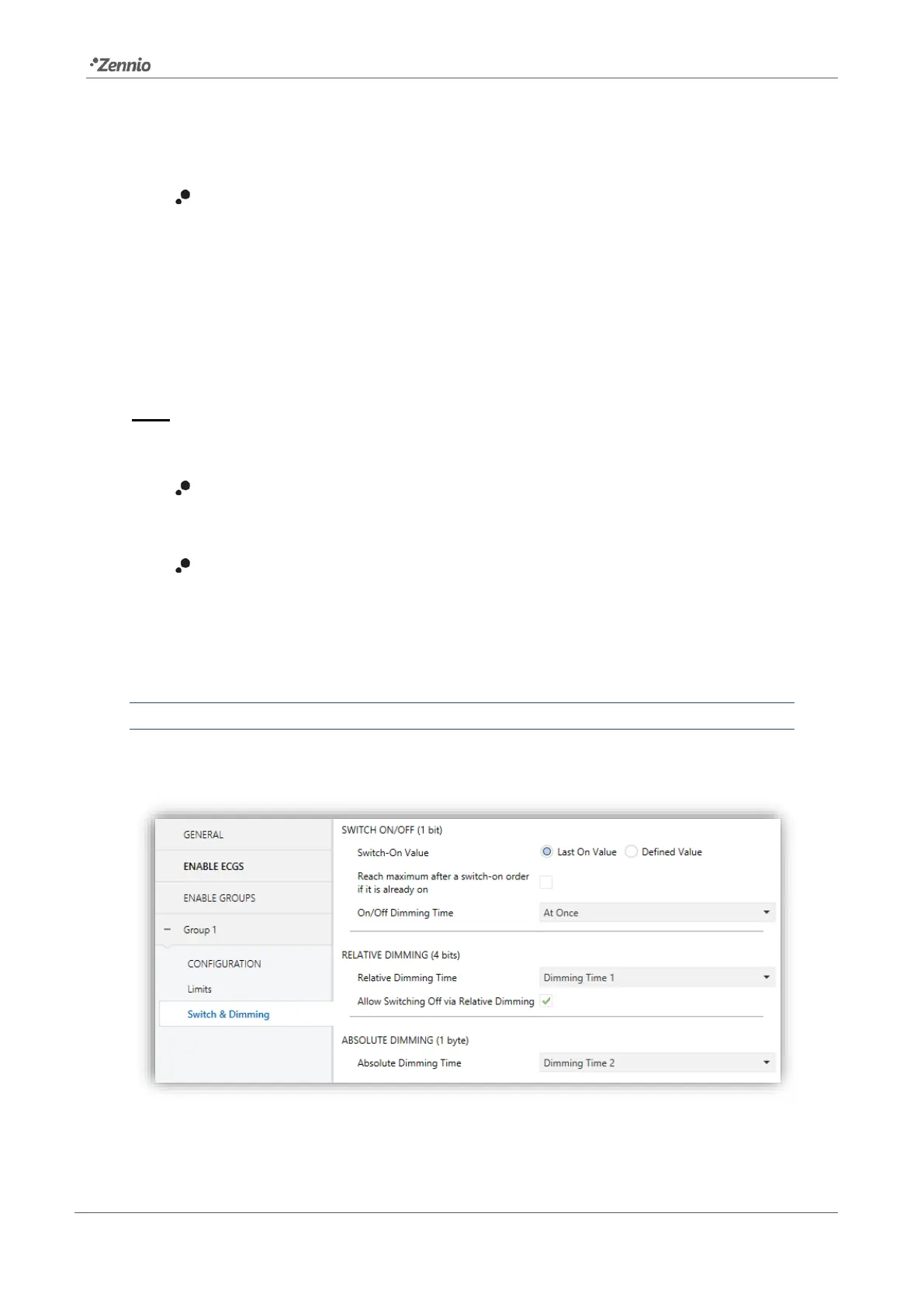
The following parameters are available in the “Switch & Dimming” tab:
Figure 16. Switch & Dimming



 To Next Page