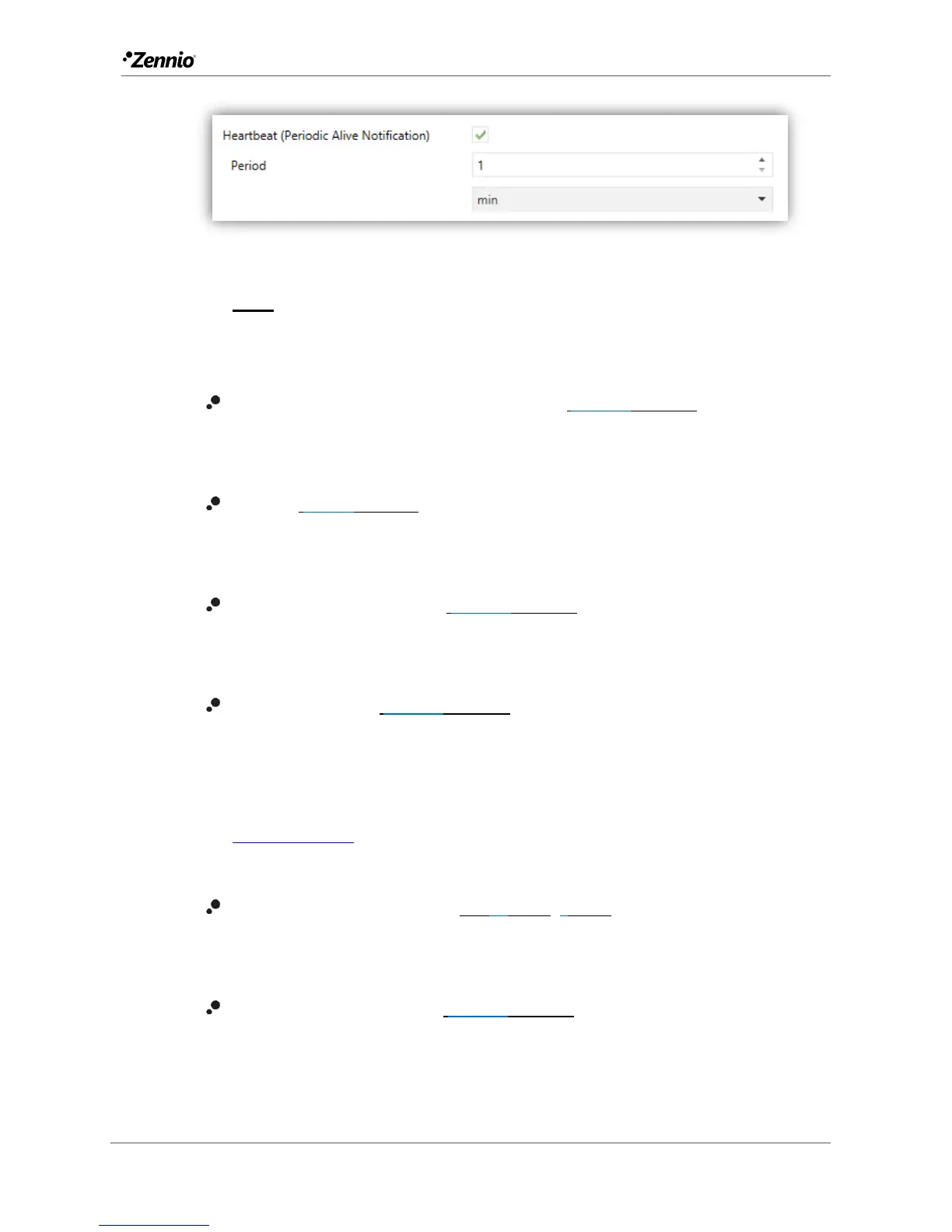
Figure 4. Heartbeat.
Note: the first sending after download or bus failure takes place with a delay
of up to 255 seconds, to prevent bus overload. The following sendings march
the period set.
Internal Temperature Sensor (only in Flat) [disabled/enabled]: enables or
disables the “Temperature Sensor” tab in the tree on the left. See section
2.1.2 for details.
Sounds [Default/Custom]: sets whether the sound functions (button beeps,
alarm and doorbell) should work according to the pre-defined configuration or
to a user-defined configuration. See section 2.1.4 for details.
Ambient luminosity sensor [disabled/enabled]: enables setting the ambient
luminosity sensor. When the sensor is enabled, a new tab for its configuration
is shown. See section 2.1.5 for details.
Proximity Sensor [disabled/enabled]: enables the proximity sensor. This
functionality permits “waking up” the device when detecting presence.
Please refer to the specific manual “Proximity and Luminosity Sensor”
(available in the Flat / Flat 55 product section at the Zennio homepage,
www.zennio.com) for detailed information about the functionality and the
configuration of the related parameters.
Time to Consider Inactivity [1…30…255][s/min/h]: allows setting a time
after which, if no pulsation or proximity detection has occurred, the LEDs turn
off (or acquire the brightness level configured, see section 2.1.3).
Advanced Configuration [disabled/enabled]: enables or disables the
“Advanced” tab in the tree on the left. See section 2.1.6 for details.



 To Next Page