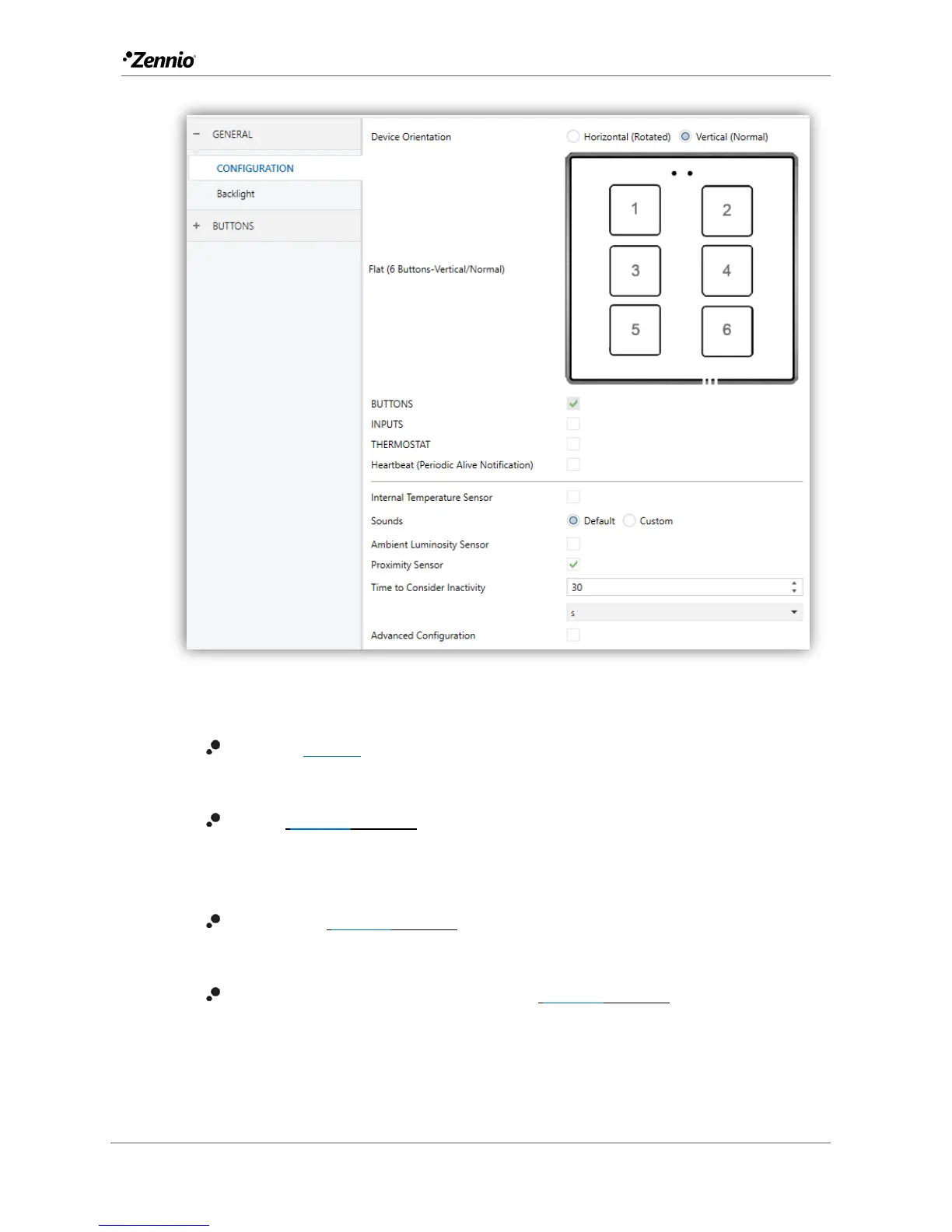
Figure 3 Main configuration.
Buttons [enabled]: read-only parameter to make it evident that the “Buttons”
tab is always enabled in the tab tree on the left. See section 2.2 for details.
Inputs [disabled/enabled]: enables or disables the “Inputs” tab in the tree on
the left, depending on whether the device will or will not be connected any
external accessories. See section 2.3 for details.
Thermostat [disabled/enabled]: enables or disables the “Thermostat” tab in
the tree on the left. See section 2.4 for details.
Heartbeat (Periodic Alive Notification) [disabled/enabled]: incorporates a
one-bit object to the project (“[Heartbeat] Object to Send ‘1’”) that will be
sent periodically with value “1” to notify that the device is still working (still
alive).



 To Next Page