Timeout to Activate the Welcome Object [1…255][s/min/h]: sets the
minimum time that should elapse after the last button touch touch (or
presence detection, when the proximity sensor is enabled) before the next
one triggers the execution of the welcome back function.
Sending Trigger [Push Button/Proximity Detection]: sets whether the
welcome back object is sending after a touch in the screen or when the
proximity sensor detects presence.
Additional Condition: sets if sending the welcome back object should also
depend on an external condition. The option by default is “[No Additional
Condition]. The following are available too:
[Do not send unless all additional conditions are 0]: the welcome back
object will only be sent if all the condition objects are found to have the
value “0”.
[Do not send unless all additional conditions are 1]: the welcome back
object will only be sent if all the condition objects are found to have the
value “1”.
[Do not send unless at least one of the additional conditions is 0]: the
welcome back object will only be sent if at least one of the condition
objects is found to have the value “0”.
[Do not send unless at least one of the additional conditions is 1]: the
welcome back object will only be sent if at least one of the condition
objects is found to have the value “1”.
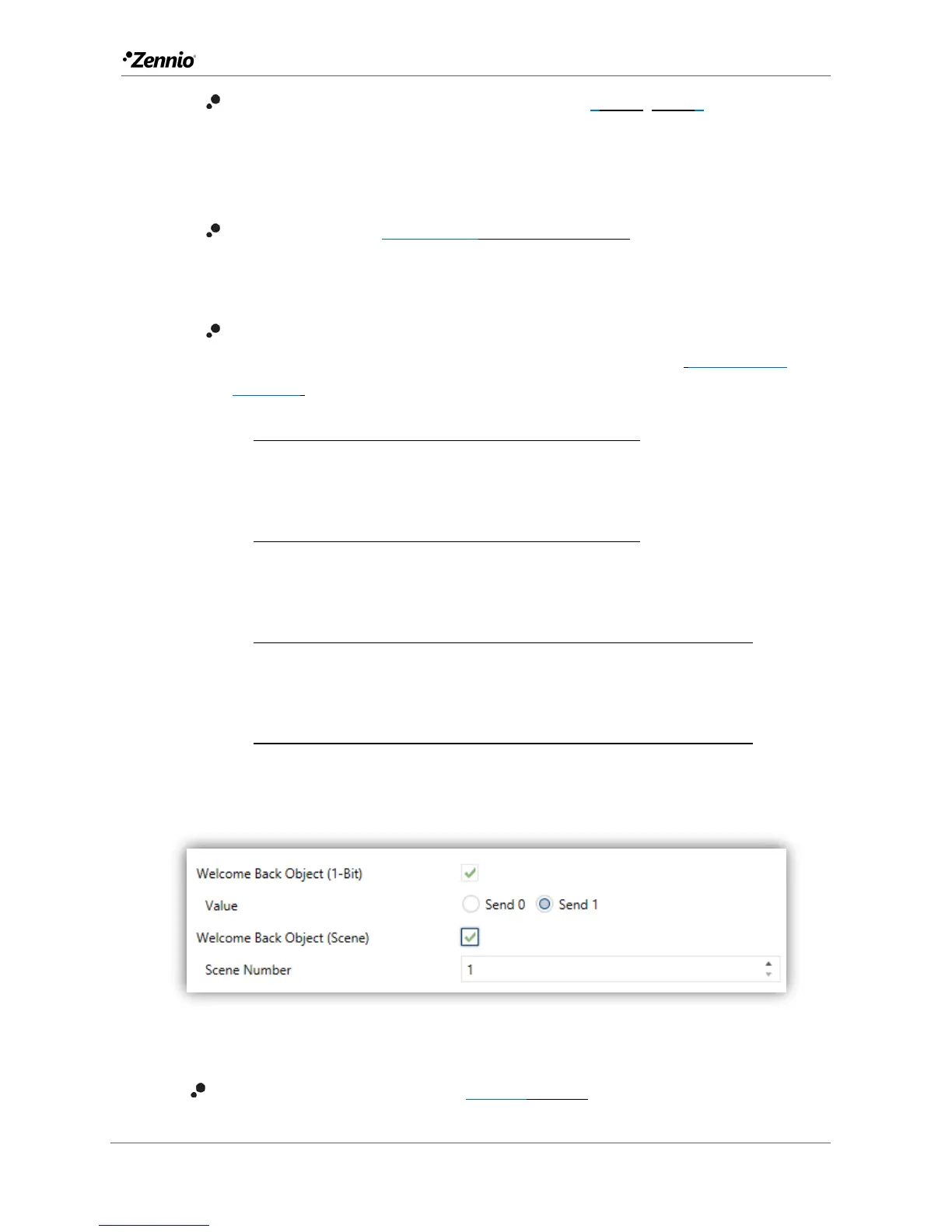
Figure 10 Welcome Back Object. Communication Objects.
Welcome Back Object (1-Bit) [disabled/enabled]: checkbox to enable the
sending of a 1-bit value (through “[General] Welcome back”) when the



 To Next Page