Room State: allows controlling the room states (normal, make up request, do
not disturb). Pressing the button will activate the Do Not Disturb or Make-Up
Request status (as configured) or deactivate it to return to Normal status.
Depending on the parameterisation and the current value of object, after a
short press the following values will be transmitted.
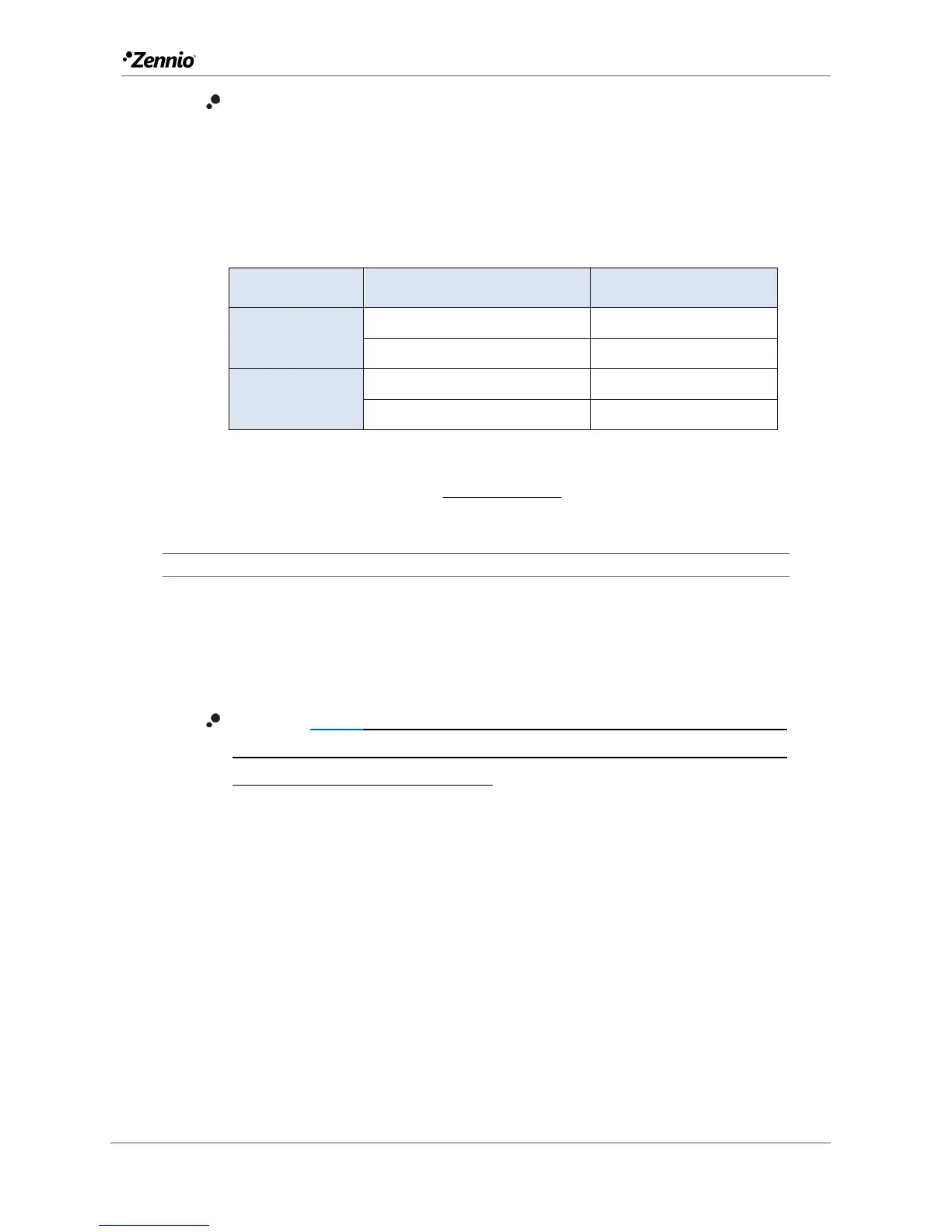
Table 2 Room States
If the LED illumination es “State-dependent”, LED will light up when the
current object value coincides with the parameterized value.
ETS PARAMETERISATION
When an individual button has been enabled, a specific tab (“Button In”) becomes
available under “Buttons” in the tree on the left.
The main parameter that needs to be configured is:
Function [Switch / Hold & Release / Two Objects (short press / long press) /
Scene / Scaling constant / Counter constant / Float constant / Dimmer /
Shutter / LED indicator / Room State]: sets the desired function for the button.
Moreover, the textbox INFO allows changing the default name of the tab in the left
menu, as shows the following figure.



 To Next Page