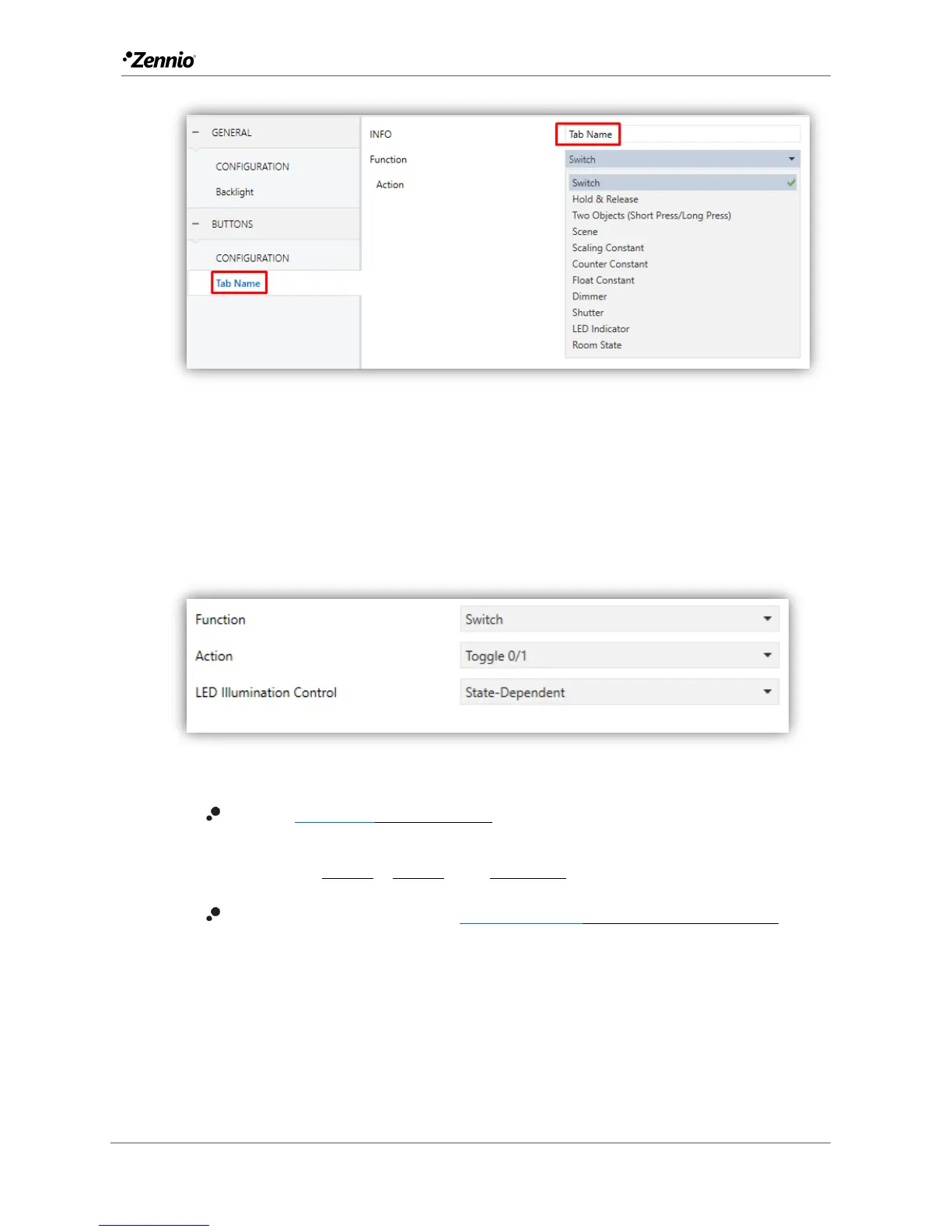
Figure 17 Individual Button.
Depending on the function, some more parameters are involved (as described next).
Please note that in the next pages “[In]” is used as a general notation for the
communication objects, where “n” depends on the particular button pair.
Switch
Figure 18 Individual Button - Switch.
Action [Toggle 0/1/Send 0/Send 1]: sets the value to be sent to the bus
(through object “[Btn] [In] Switch”) when the user touches the button. The
options are “Send 0”, “Send 1” and “Toggle 0/1”.
LED illumination control [State-Dependent/Regular/Dedicated object]:
analogous to the homonymous parameter for the “Disabled” function (see
above).



 To Next Page