The “state-dependent” and “state-dependent (both LEDs)” LED illumination
modes are not available for this function (only the “regular” and “dedicated
object” LED illumination are available). See ANNEX I. LED Illumination
Modes for details.
ETS PARAMETERISATION
Once two buttons have been assigned to a particular pair, a specific tab (“Pair X”)
becomes available under “Buttons” in the tab tree.
The main parameter that needs to be configured is:
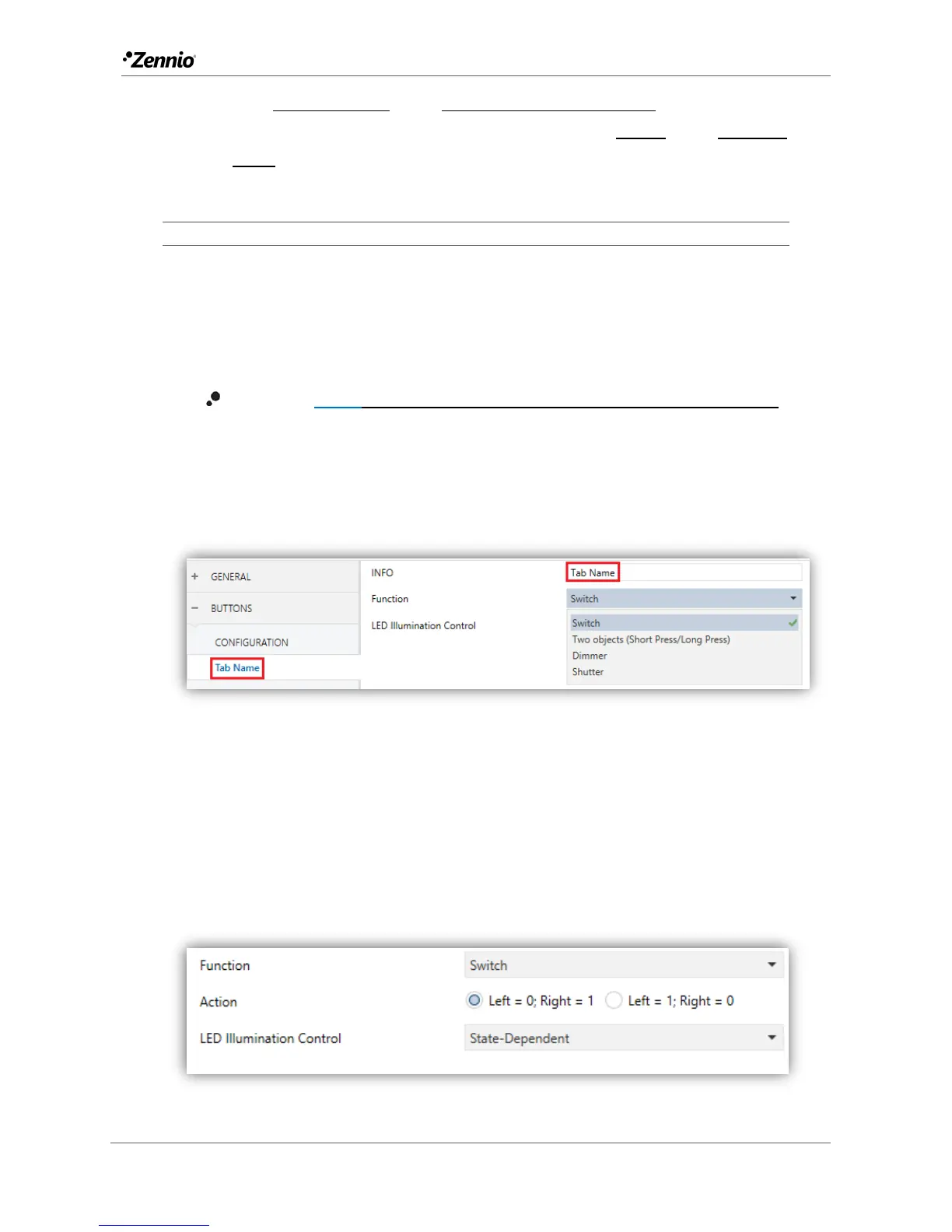
Function [Switch/Two objects (short press / long press)/Dimmer/Shutter]:
sets the desired function for the button pair.
Moreover, the textbox INFO allows changing the default name of the tab in the left
menu, as shows the following figure.
Figure 27 Buttons - Pair A.
Depending on the function, some more parameters are shown, as described next.
Please note that in the next pages the general notation “[X]” is used for the name of the
communication objects, as “X” depends on the button pair (A, B or C).
Switch
Figure 28 Pair Buttons – Switch.



 To Next Page