Action [Left=0; Right=1/Left=1; Right=0]: assigns each of the two buttons the
value to be sent through “[Btn] [PX] Switch” (which has the Write flag
enabled, so the state of the switch can be updated from external devices).
Note: this parameter will remain hidden unless having selected “Every button
pair is configured separately” in Action of the pair buttons.
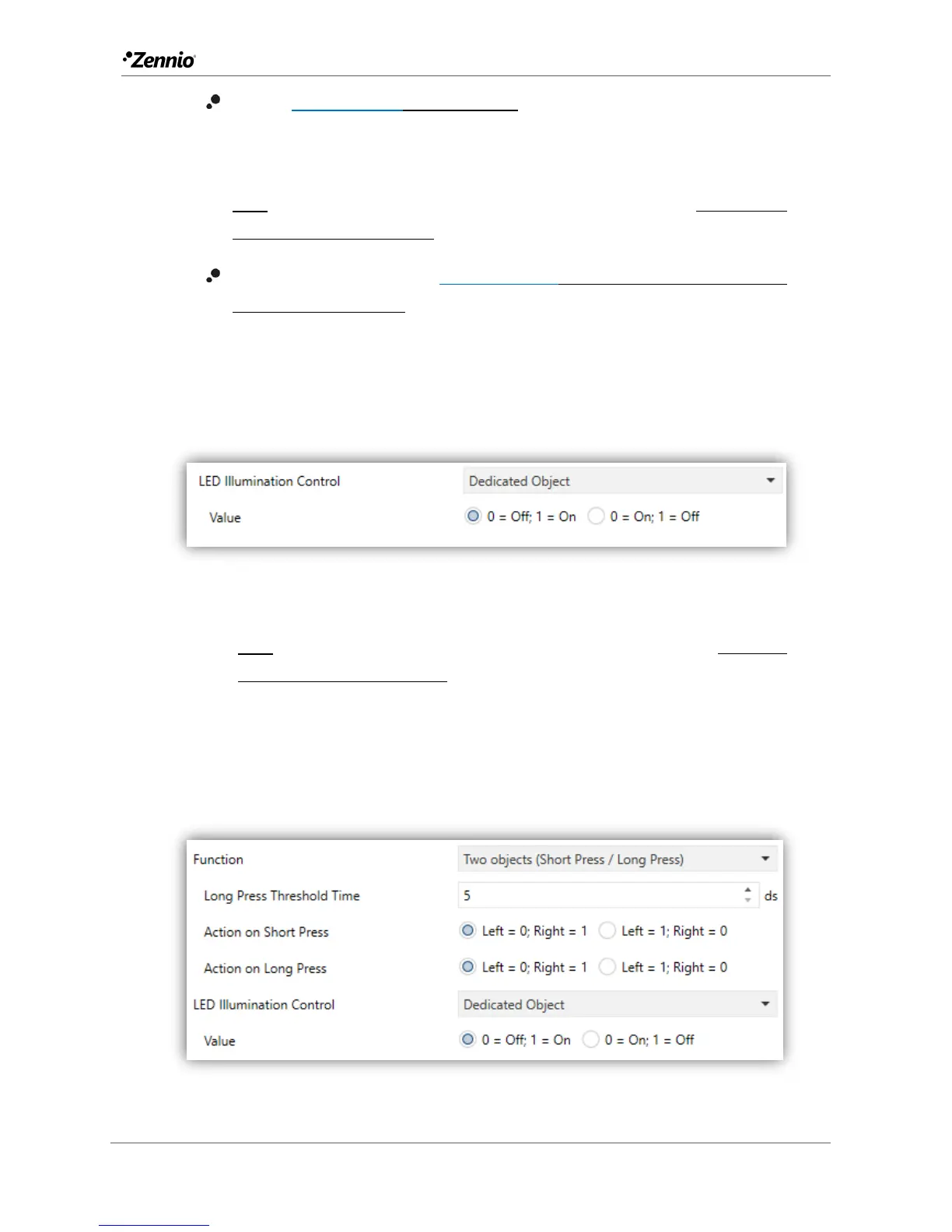
LED Illumination Control [State-dependent/Regular/State-dependent (both
LEDs)/Dedicated Object]: sets the behaviour of the LEDs on the buttons.
In case of selecting the latter, the object “[Btn] [PX] Led On/Off” will be
included in the project topology and a new parameter to select the value to
switch off and on the LED shows up:
Figure 29 LED illumination - Dedicated object.
Note: this parameter will remain hidden unless having selected “Configure
every button (pair) separately” in LED Illumination Control (All Buttons).
Two Objects (short Press / long press)
Figure 30 Pair Buttons - Two Objects (Short Press / Long Press).



 To Next Page